View your own profile
Quick answer
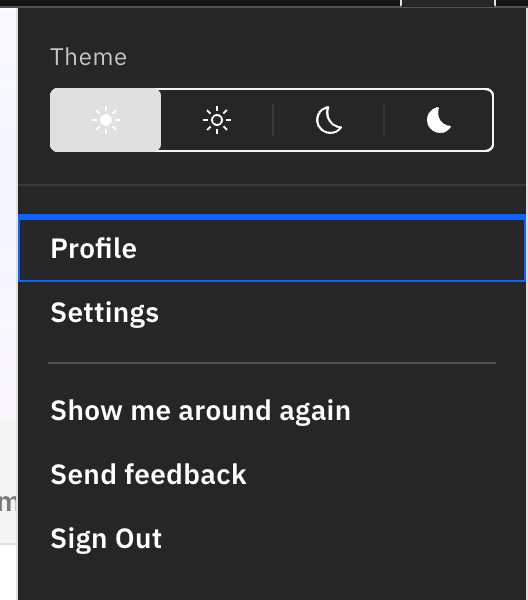
- Open the user menu (your avatar, top-right) and click Profile.
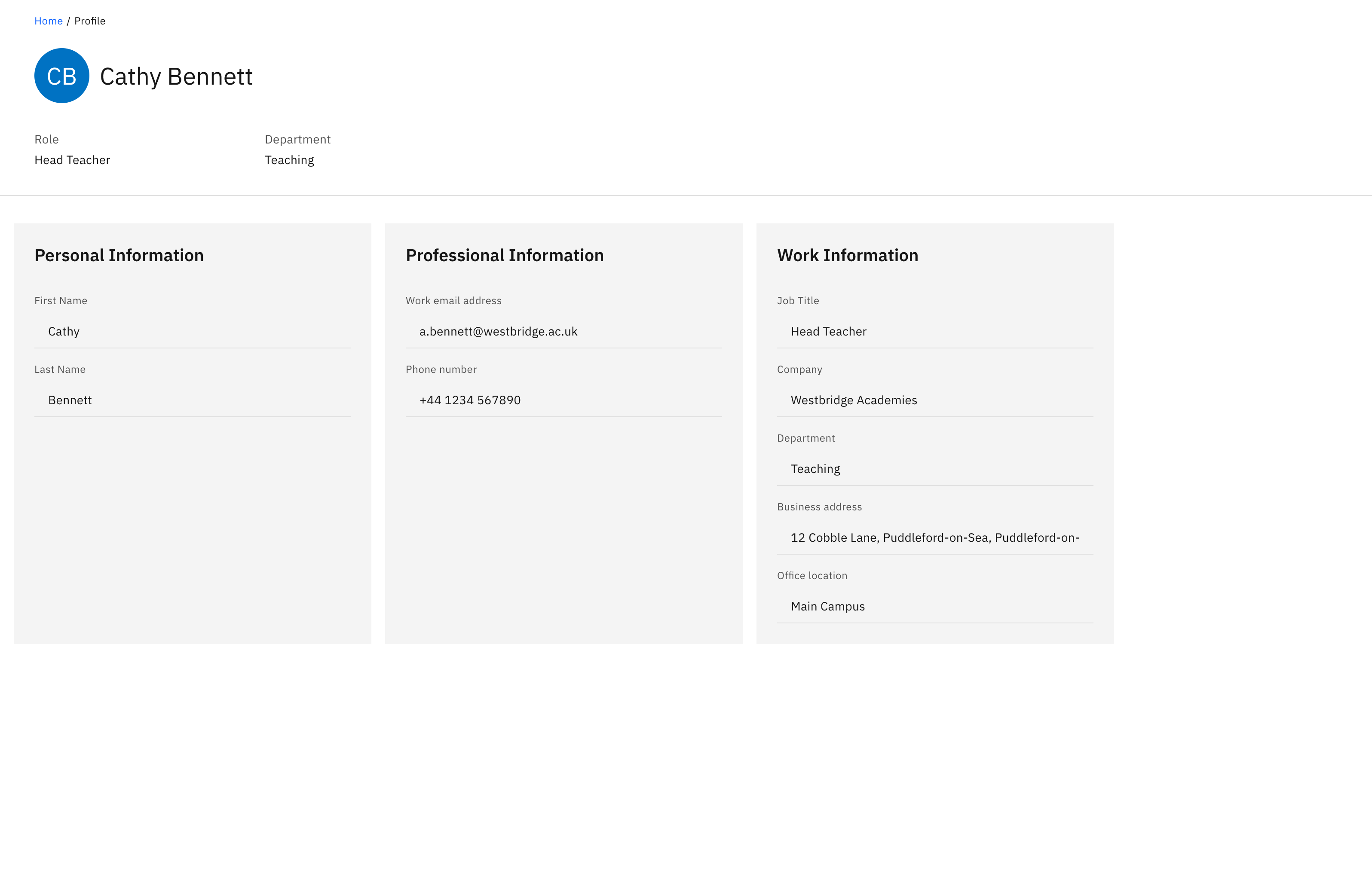
- Shows your own staff account: avatar and name, with Role and Department.
- Three read-only cards — Personal Information, Professional Information, Work Information.
Your profile page is a read-only view of your own staff account — name, role, contact and work details. It is reached from the user menu only and is separate from any student profile.
Open the user menu
Click your avatar in the top-right corner.
Click Profile
Choose Profile from the menu. The page opens showing your avatar and name, with Role and Department as header attributes.
Read your details
Below the header, three cards list what your organisation has on file:
- Personal Information — First name, Last name, Pronouns, Birthday.
- Professional Information — Work email address, Phone number.
- Work Information — Job title, Company, Department, Business address, Office location.
Only fields that have a value are shown within a card; a card with nothing on file shows Not provided.
Editing your details
Everything here is read-only — this is a view of your account, not an editor. Profile data comes from your organisation's directory, so to change a detail, ask whoever manages your directory account.