RSVP to a notice
Quick answer
- Flip the notice card and click RSVP.
- Check the event details, then click Accept.
- The event is added to your Outlook calendar.
Some notices are events you can RSVP to. Notices that take RSVPs show an RSVP tag on the card front.
Open the notice
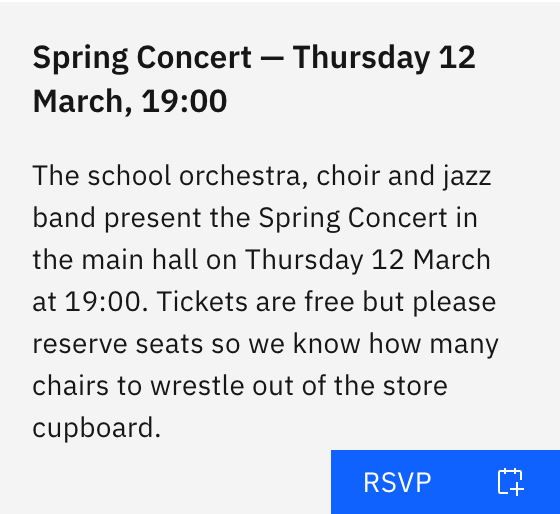
On the Notices board, click the card to flip it over, then click RSVP on the back.
Accept the event
A confirmation shows the event title and date. Click Accept.
Note: Accepting adds the event to your Outlook calendar — it's a calendar add, not a yes/no reply to the organiser. You can only RSVP once; after that, the button is disabled, so you can't add it again.