Follow notice categories
Quick answer
- On the Notices board, open the Interests dropdown.
- Tick the categories you want to follow.
- They gather under the Your interests tab.
Select notice categories you want to follow. These appear first under the Your interests tab.
Open the Interests dropdown
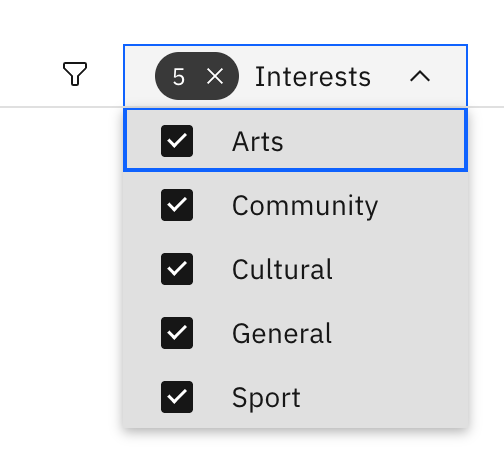
On the Notices board, click the Interests dropdown at the top right next to the filter icon.
Pick your categories
Check the categories you wish to follow: General, Sport, Cultural, Arts, and Community. Uncheck to unfollow. Choices save automatically.
Note: This is personal to you — it doesn't change what anyone else sees, and every notice is still available under its own category tab.