Delete a notice
Quick answer
- In Manage notices, click the notice's title.
- In the details window, click Delete.
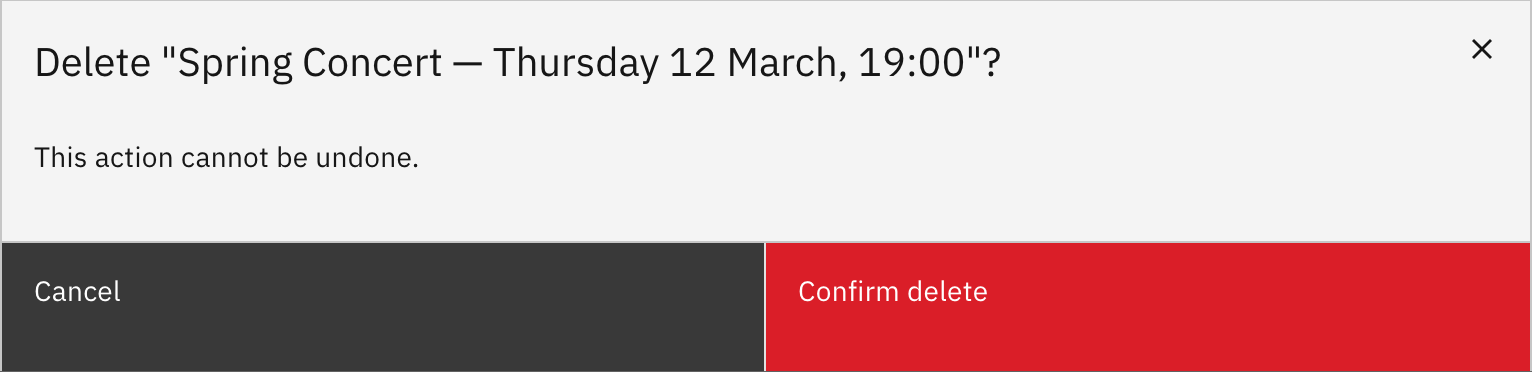
- Confirm with Confirm delete — this can't be undone.
Remove a notice for good. Deletion is permanent — there's no undo.
Open the notice's details
In Manage notices, click the notice's title to open its details window.
Delete it
Click Delete, then Confirm delete on the warning.
Note: Deletion can't be undone. Only the staff member who created a notice (or a school leader) can delete it.