Adjust your settings
Quick answer
- Open the User icon ▸ Settings.
- Adjust Appearance (theme, font size), Accessibility, and Notifications.
- Changes apply instantly — there's nothing to save.
Personalise StaffXP — appearance, accessibility, and notifications — from one place.
Open Settings
Click the User icon ▸ Settings.
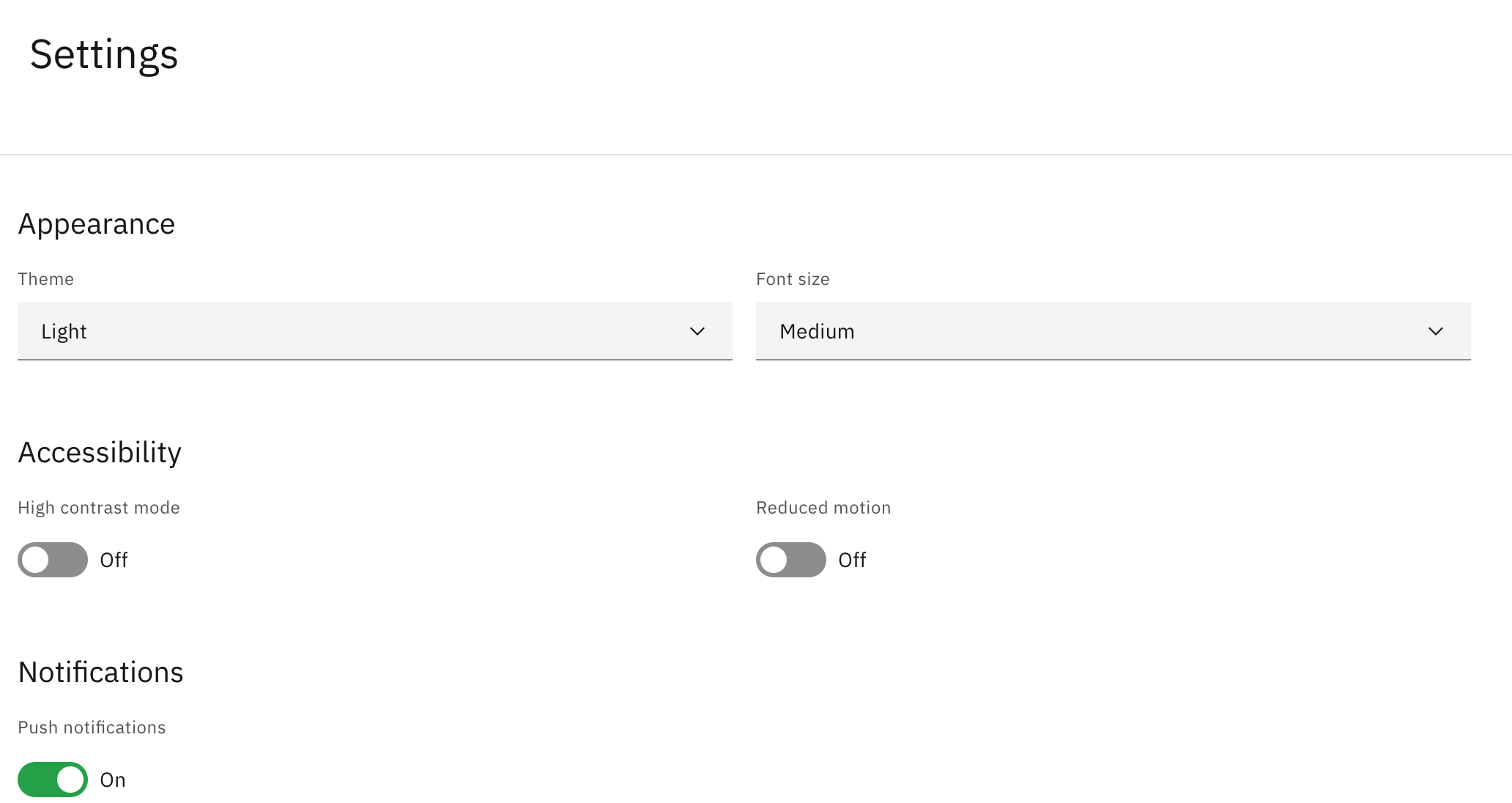
Appearance
Set your Theme and your Font size (Small, Medium, or Large) — font size applies across the whole platform.
Accessibility
Toggle High contrast mode (boosts legibility, simplifies the interface) and Reduced motion (minimises animations to reduce eye strain and motion sickness).
Notifications
Toggle push notifications on or off.
Note: Every change applies instantly across the platform — there is no need to save.