View an approved activity's details
Quick answer
- From the Supervising activities tab, click an activity name to open it.
- The header shows the approval status tag plus Dates, Lead, Year groups, and Attendees.
- The body holds Venue details, Staffing, Registered participants, and Waitlist.
The details page is the management page for a live, approved activity.
Open the activity
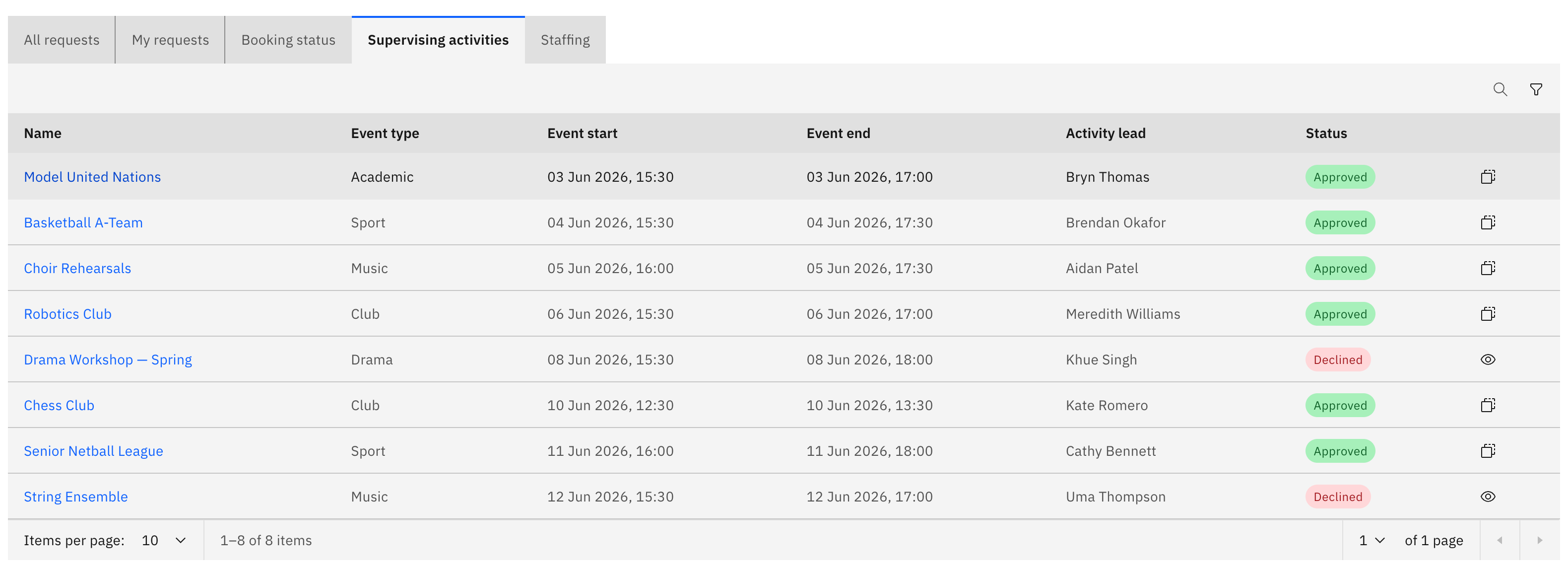
From the Supervising activities tab, click an activity name. The details page opens. This tab lists only Approved and Rejected activities.
Read the header
The header shows the activity name, an approval status tag, and an attributes row: Dates, Lead, Year groups, and Attendees. The Attendees value is shown as registered out of maximum, for example 18 / 30.

Check the venue details
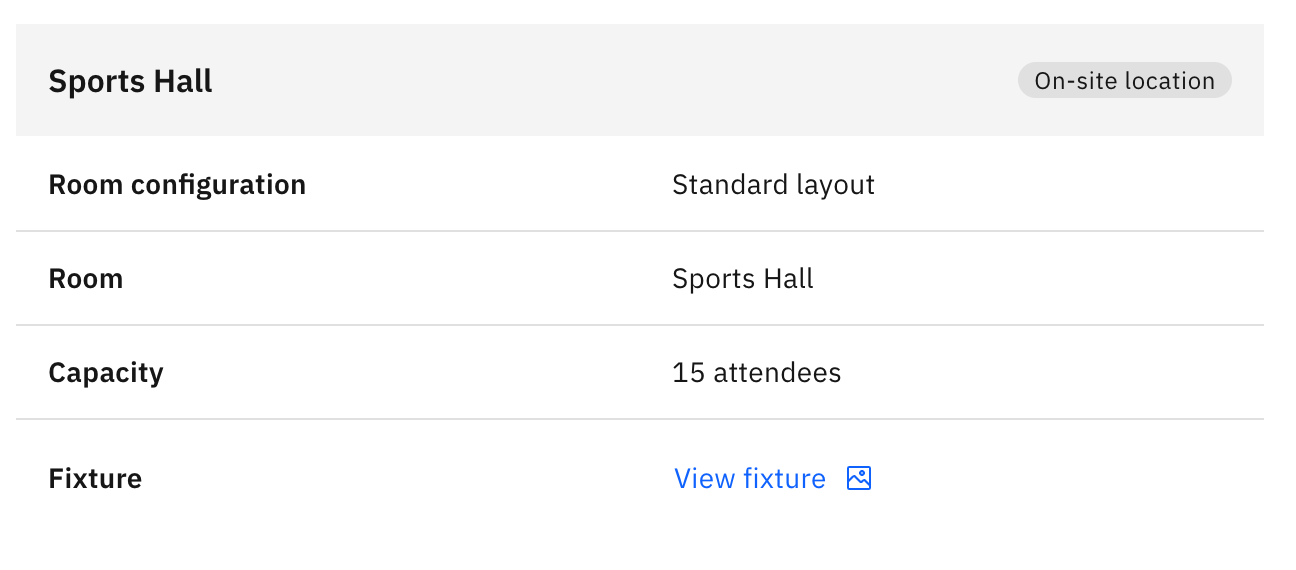
The left column's Venue details shows the location type, venue or room, room configuration, capacity, address, and contact details. If a fixtures file was attached, a View fixture link appears here.
Review the staffing
The Staffing panel lists assigned staff with their role, phone, and email. External members show a consent link.
See the participants and waitlist
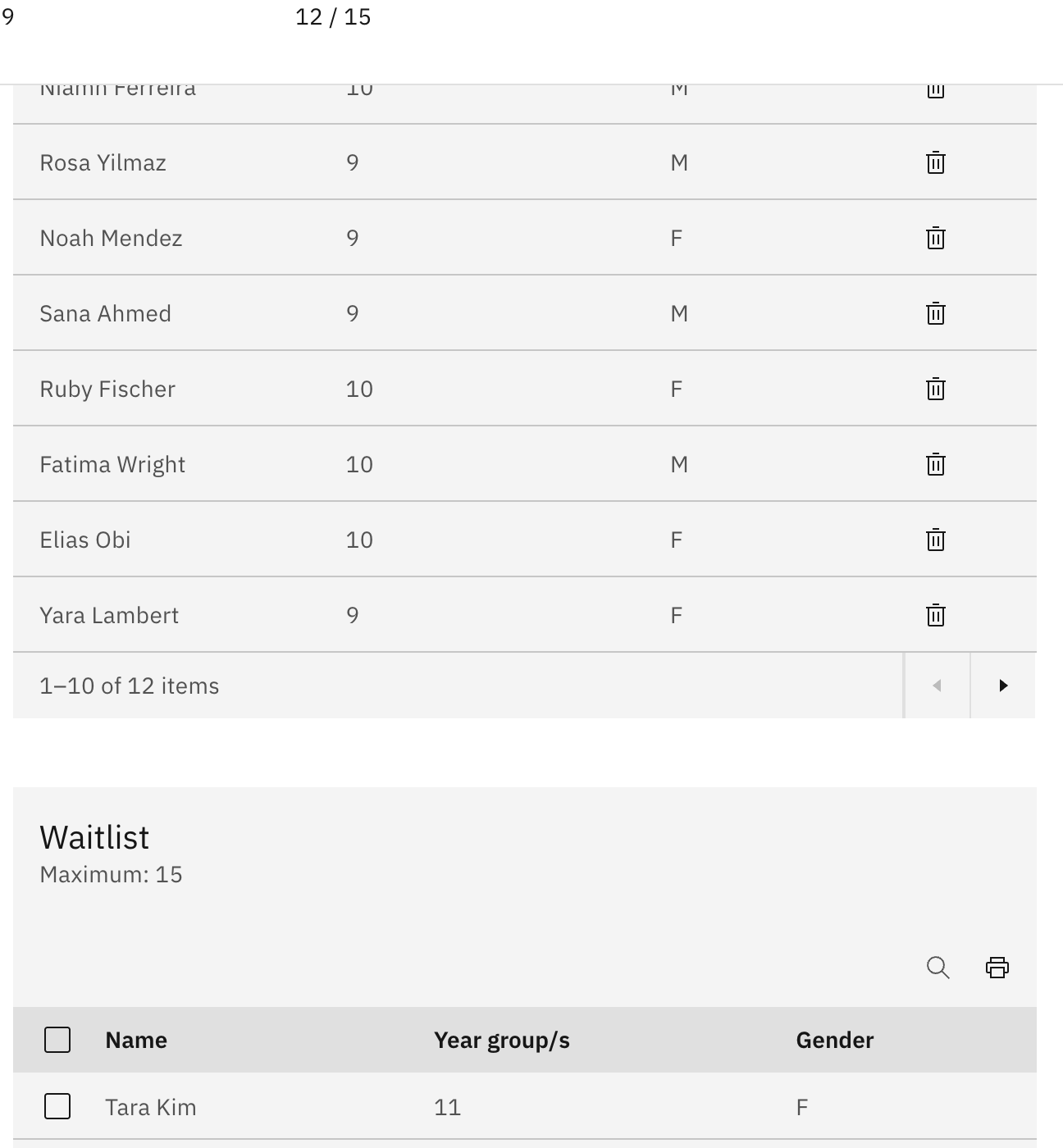
Registered participants lists everyone enrolled, and Waitlist lists anyone waiting for a place. Each table shows Name, Year group/s, and Gender, with the maximum places labelled on the table.
Find post-event feedback
After the activity's end date passes, a post-event feedback section also appears on the page.