View the extra-curricular calendar
Quick answer
- Open Extra curricular from the navigation, then click View calendar.
- Switch between Month and Week and page through the dates.
- Events are colour-coded by activity type; click an event for its details.
The extra-curricular calendar shows the school's scheduled clubs and teams across a month or week, so you can plan around them. Anyone with extra-curricular access can open it.
Open the calendar
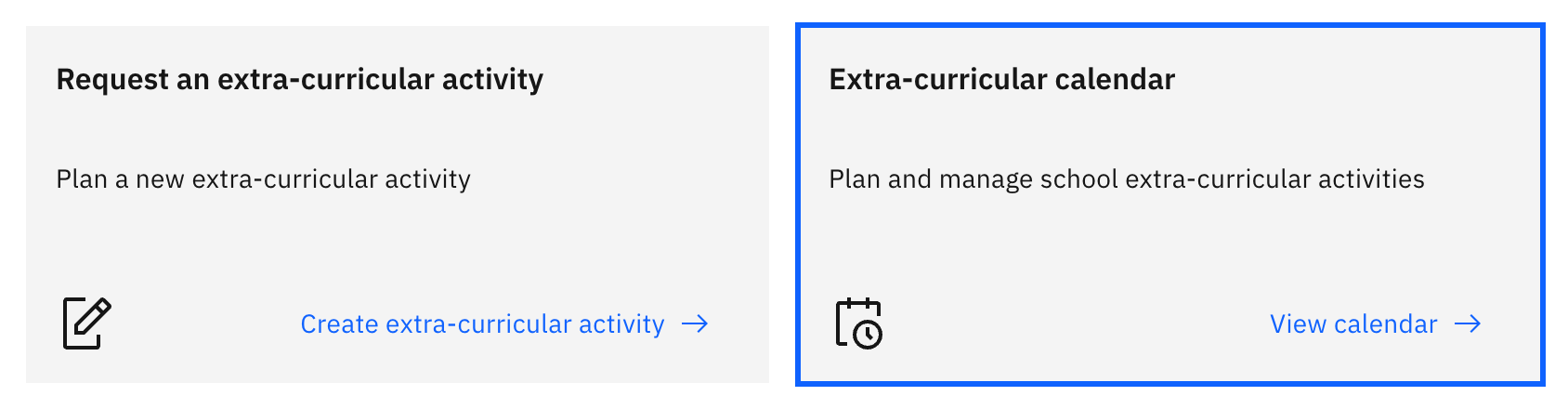
Click Extra curricular in the main navigation, then click View calendar on the action card at the top of the hub. The calendar opens in the canvas pane.
Choose the view and dates
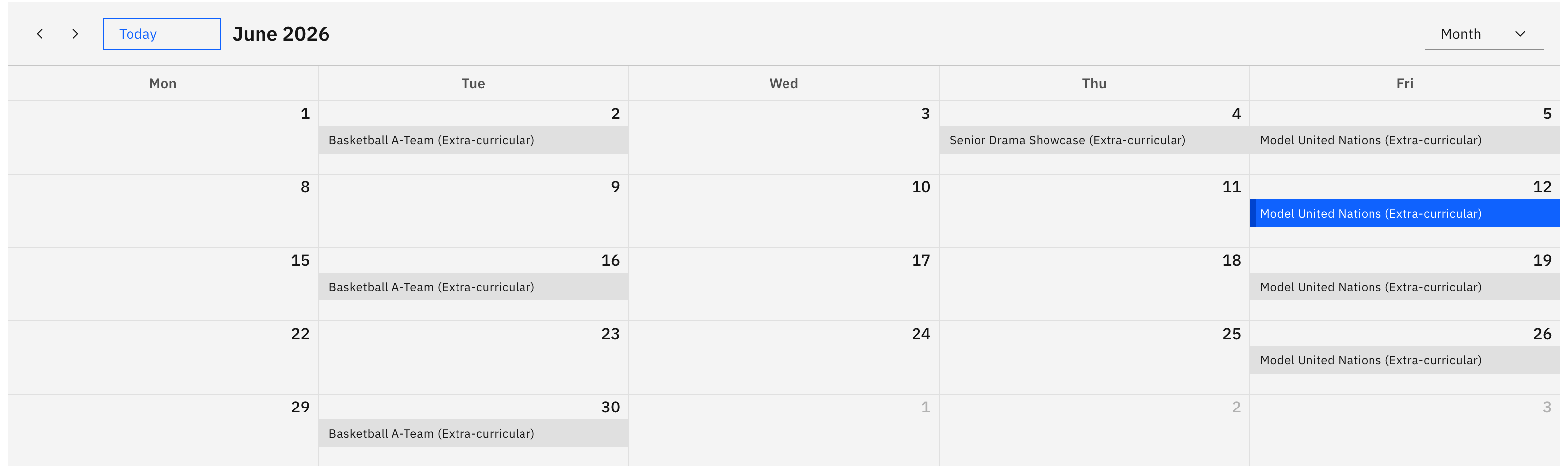
Switch between Month and Week, and page through the dates to find the period you want. The next upcoming activity is highlighted for you automatically.
Read the events
Each event is colour-coded by its activity type. Click an event to open a small details pop-up showing the activity name, type, start and end, and its year group, house or class.