View attendance trends
Quick answer
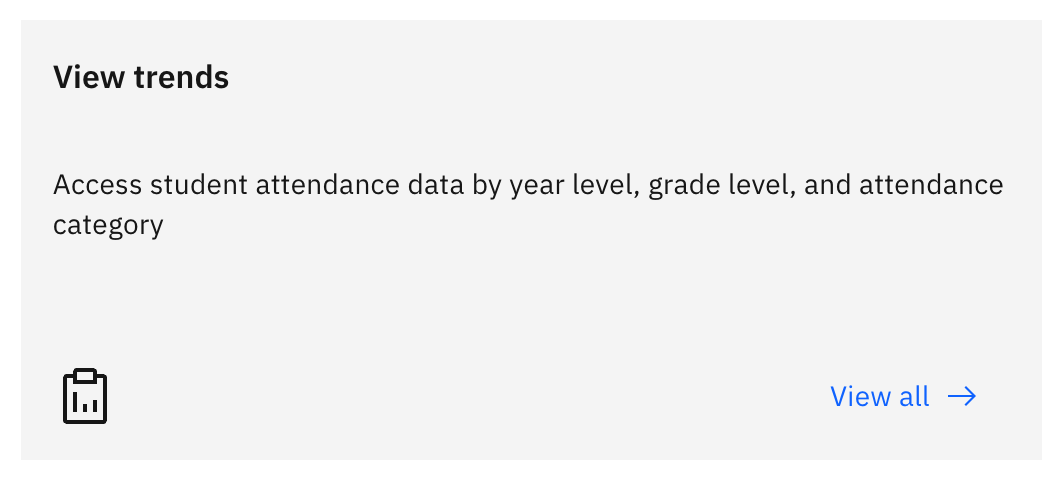
- From the Attendance overview, click a View trends tile to open Attendance trends.
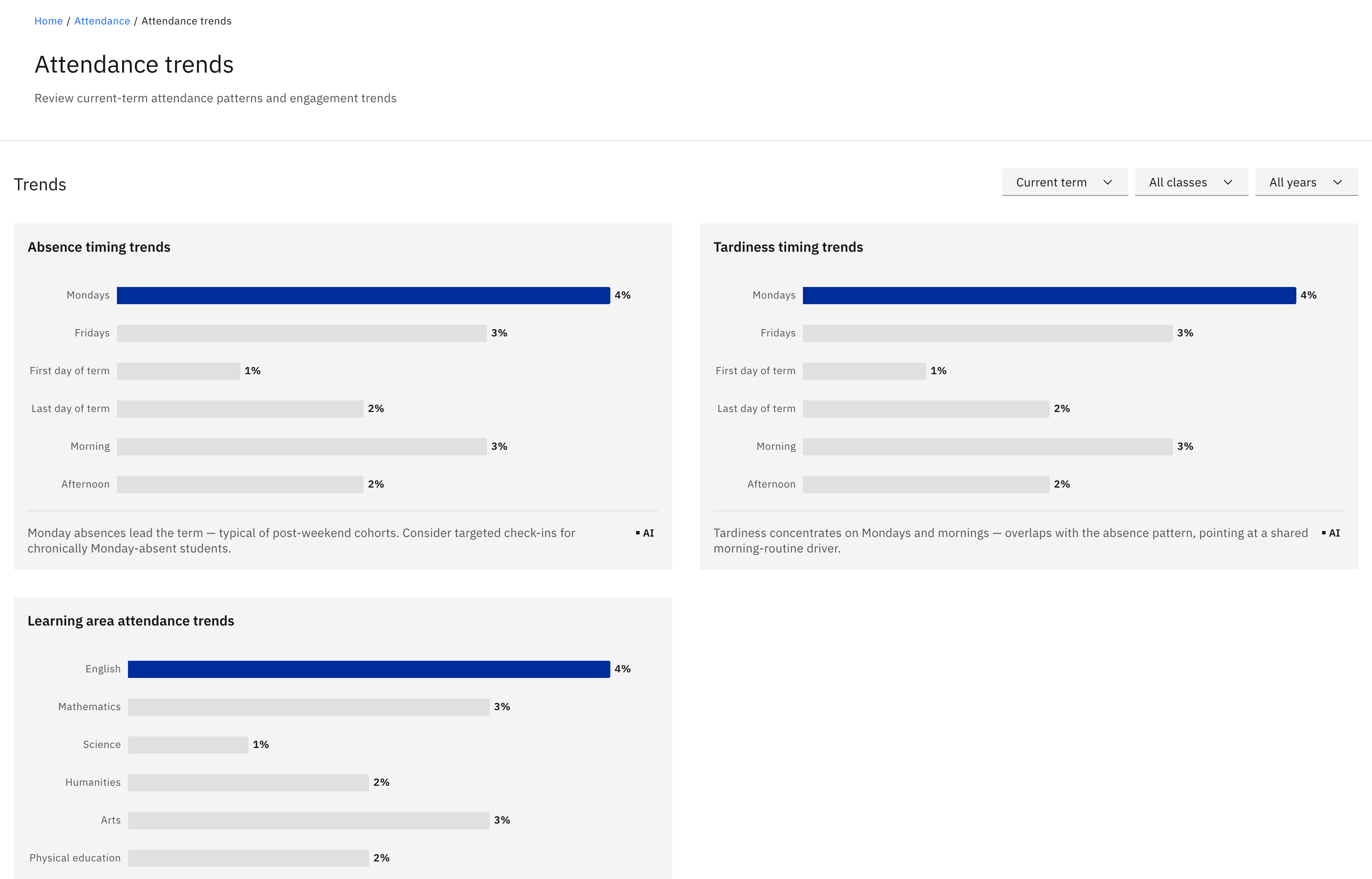
- Three bar lists show Absence timing trends, Tardiness timing trends, and Learning-area attendance trends.
- Each list carries a one-line summary of the pattern.
- Trends are a leader / officer view.
Attendance trends is a leader and officer view that shows when absence and lateness tend to happen, as pattern bar charts. You need school leader or attendance officer access to reach it — the View trends tiles only appear on the leader / officer dashboard.
Open Attendance trends
On the Attendance overview, click a View trends tile. It opens the Attendance trends page.
Set the filters
Use the period, class, and year filters at the top of the page to frame what you're looking at.
Read the three trend lists
Three bar lists sit down the page: Absence timing trends (when absences cluster), Tardiness timing trends (when lateness clusters), and Learning-area attendance trends (attendance by subject area). Each list plots its pattern as horizontal bars with a one-line summary above it.