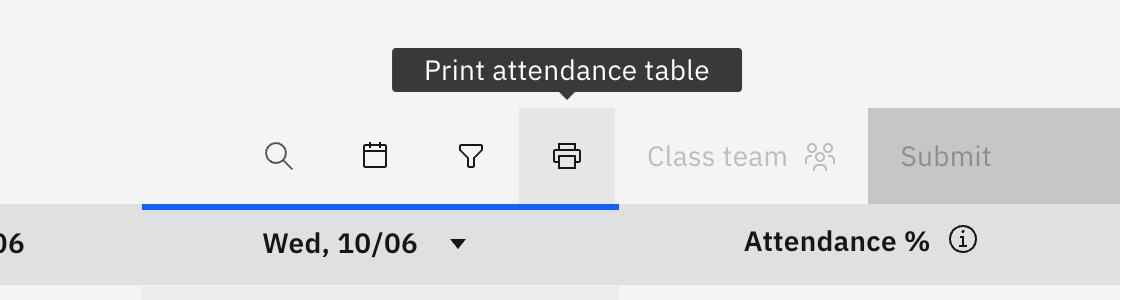
Print a class roll
Quick answer
- On the roll toolbar, click the print icon.
- The attendance document is fetched and sent to your printer.
- Printing needs a live connection — it fails with a message when you're offline.
When you need a paper copy of a class roll — for a substitute, an excursion, or a fire-drill backup — you can print it straight from the roll.
Open the roll you want to print
Open the class roll from your calendar, a roll reminder, or Felix.
Print it
On the roll toolbar, click the print icon. The attendance document is fetched and sent to your printer.
Printing needs a live connection — if you're offline it fails with a message, so reconnect and try again.