Create a Sourcing Project
Quick answer
- Open Projects, click Create new project, and select the purchase requisition.
- Build out the project content — introduction, technical document, terms, and price sheet.
- Select vendors, add collaborators, and choose the assessments.
- Set the close date, review the invitation in Project messages, and click Publish.
A sourcing project takes a purchase requisition raised in D365 Finance & Operations and runs it as an RFP or RFQ. You build out the project with technical specifications, terms, a price sheet and vendor assessments, then publish to invite vendors to bid.
Start a new project
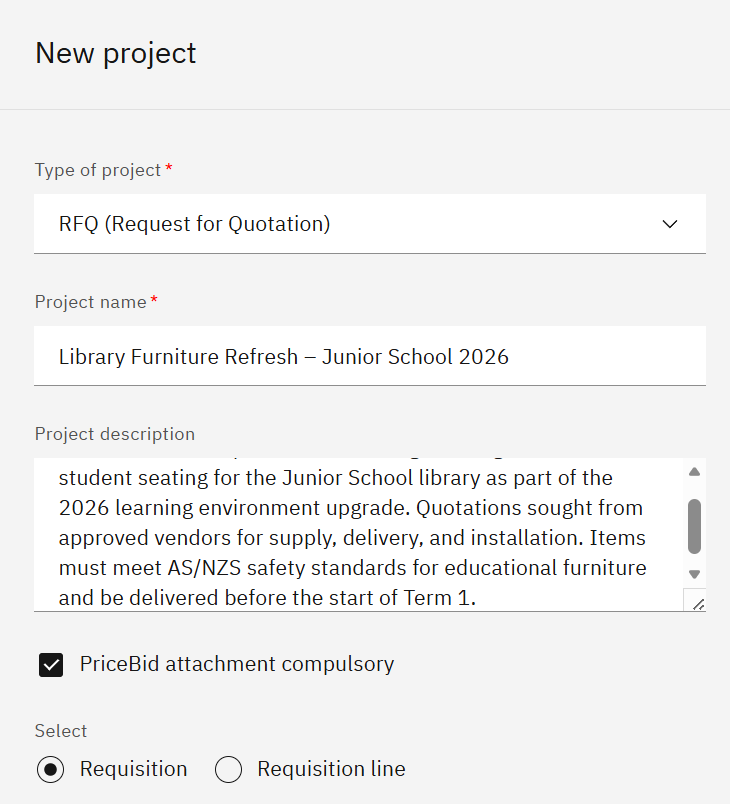
Open Projects and click Create new project. Enter a Project description, set the Price visibility option, then select the purchase requisition from the list — each requisition can hold multiple line items, which become the items vendors bid on. Click Save project.
Build the project content
Work through the content sections in order.
- In Technical, enter the introduction text — click Copy from library to reuse a saved version, or Generate with AI to draft one from a description. Add the Scope of work and any Additional requirements the same way.
- In Technical document, enter or upload the specifications vendors must meet.
- In Terms and conditions, click Import from Template to reuse an approved set or Add item to write new terms for this project.
- In Price Bid, select the Currency and enter the number of items the project covers.
Set up the project
Open Service providers and select the vendors to invite. Prospective vendors can be included — they receive the invitation email but must complete full onboarding before their bid can be accepted. Optionally, in Collaboration, add any users who will work on the project with you and set their access level. Also, optionally, in Assessments, select the Company type, then select the required assessments — the assessments that apply depend on the company type, so a service company may need only a few or none.
Schedule, review, and publish the message
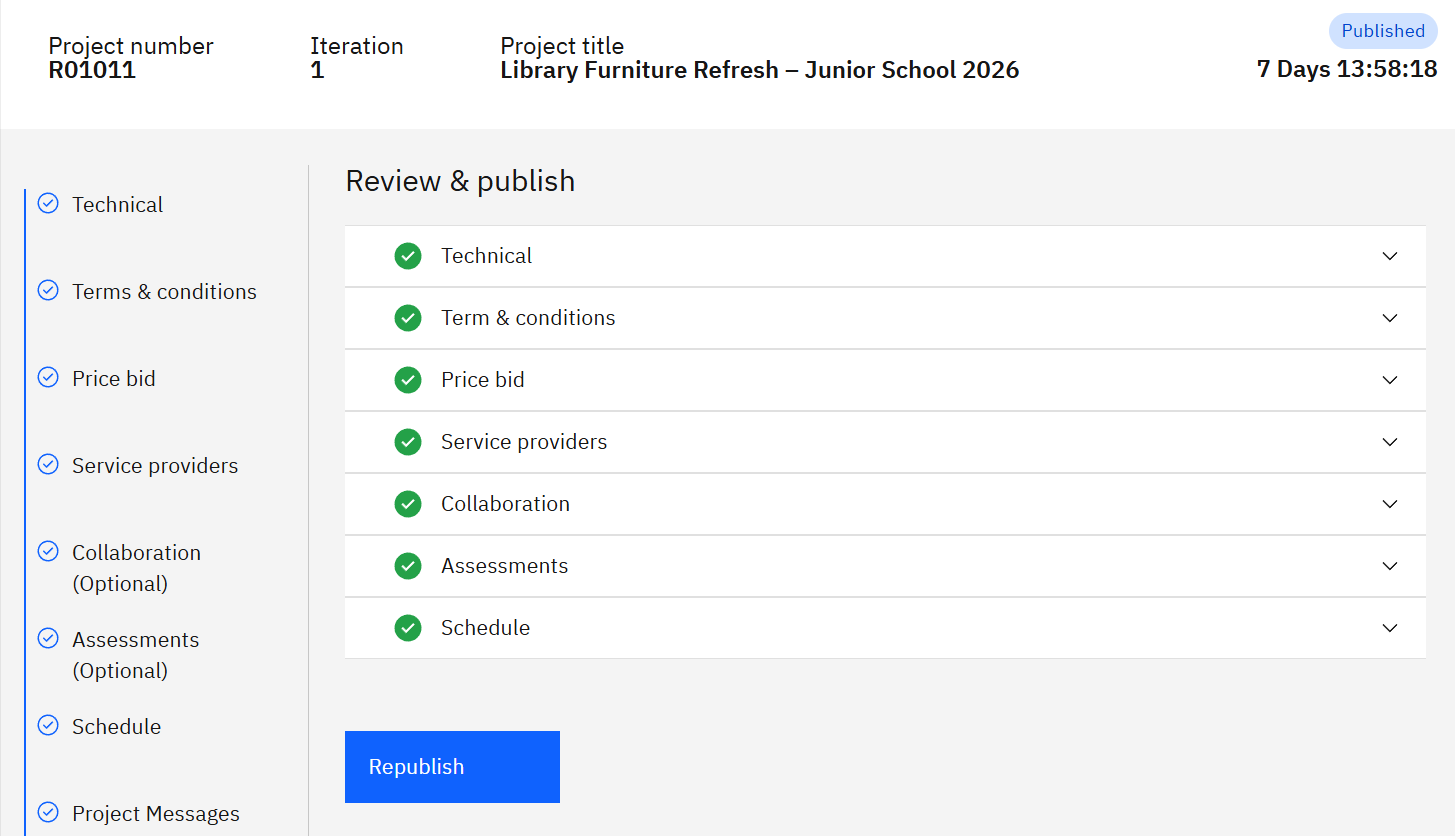
Open Schedule and set the submission close date — the last day vendors can submit. Open Project Messages to review the invitation email to be sent to vendors and add any additional information as needed. Click Publish, then Confirm.
Note: Publishing sends an invitation email to every selected vendor and prospective vendor. This cannot be undone.