Create a new contract - Contract manager
Quick answer
- Review the contract details.
- Update and upload any contract modifications.
- Select the reviewers from the Legal and Business teams, assign the CPO and CEO for contract approval.
As the contract manager, you are assigned by the initiator after a contract is submitted. Here, you will review the contract and decide whether it should advance to the next approval stage.
Review the contract details
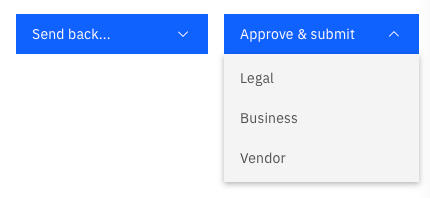
If you notice any edits or issues, click Send back… to return the contract to the initiator for updating or modifying. Once finalised, download the current version by clicking Download current version on the right side of the screen.

Upload the updated Contract
Attach the modified or updated contract in the Attachment tab under Upload Contract.
Identify and assign the next set of reviewers
Select reviewers from Legal, Business, CPO, and CEO for contract approval.
Approve and Submit
Assign the next reviewer for the contract. Choose from the Legal or Business team, or bypass both and submit the contract directly to the Vendor.