Approving a contract - CEO
Quick answer
- Review the final contract.
- Confirm risk and government compliance.
- Check execution confirmation.
- Sign the contract and update the status.
The CEO review is the final step before signing a contract.
Review the final contract
This is the version of the contract approved by the CPO and the Vendor.
Confirm risk and government compliance
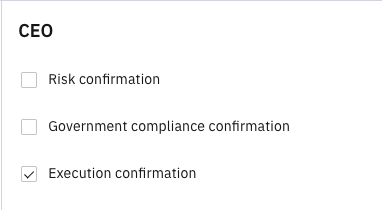
Check Risk confirmation and Government compliance confirmation.
Check execution compliance
The CEO can check Execution confirmation before final contract approval. The process will move to the Signed step.
Sign the contract
Upload the signed contract. Complete the Signed date field.
Mark as signed
This completes the contract process.
Note: The signed contract can also be found in the D365 F&O platform, under Procurement and sourcing ▸ Contracts ▸ All contracts.