View Class Timetable
Quick answer
- Click the Timetable tile.
- Select View Class Timetable from the suggested prompts.
- Choose the child whose timetable you want to see.
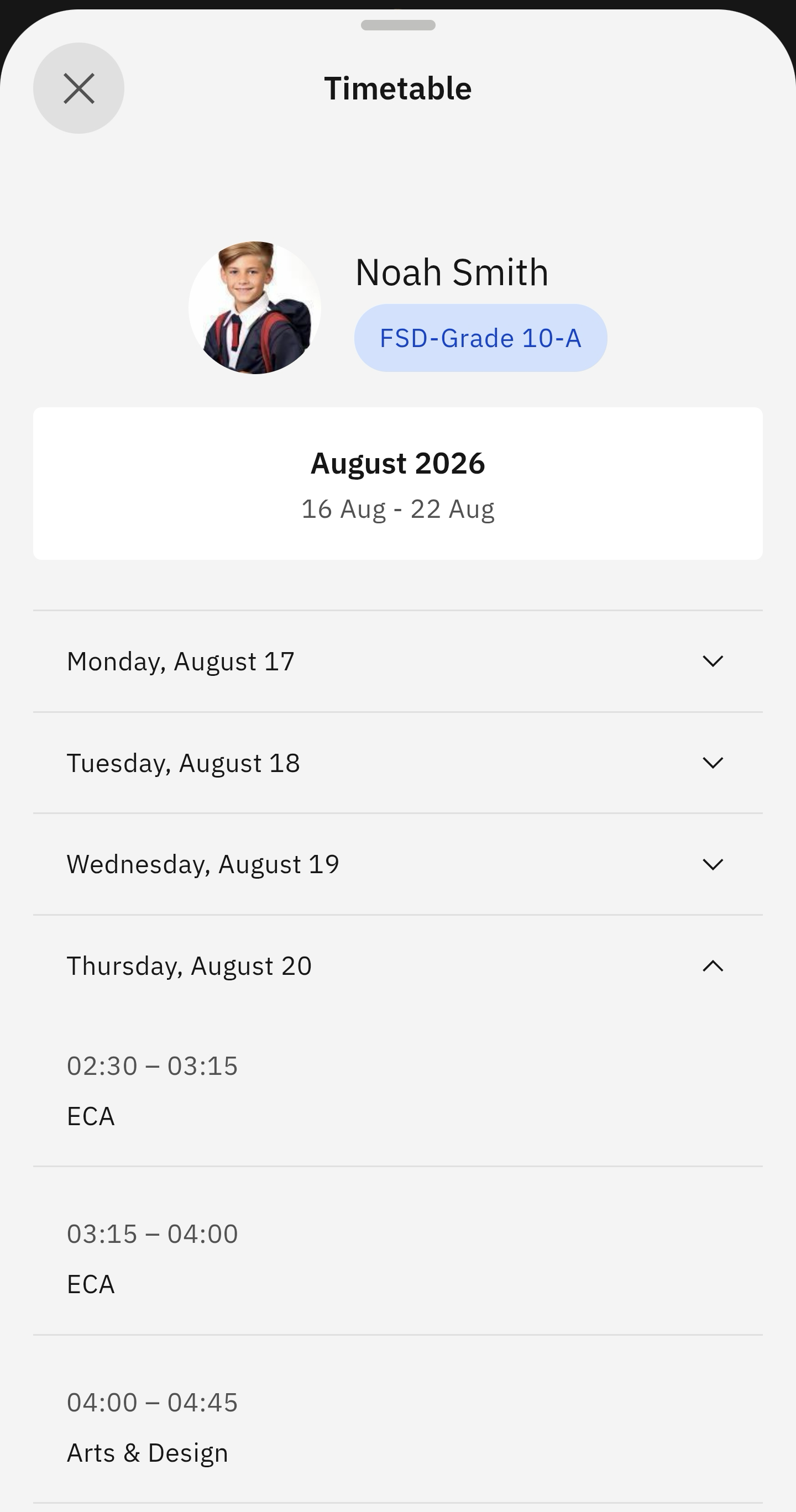
Here, you can view your child's weekly timetable (Monday to Friday).
Select View Class Timetable from the suggested prompts
Click on the Timetable tile. Then select View Class Timetable. Choose the child whose timetable you want to see. The timetable will automatically display. To view each day's timetable, expand the relevant day.