View Student Profile
Quick answer
- Click the Student tile.
- Select View Student Profile from the prompts.
- Select the child's name from the list.
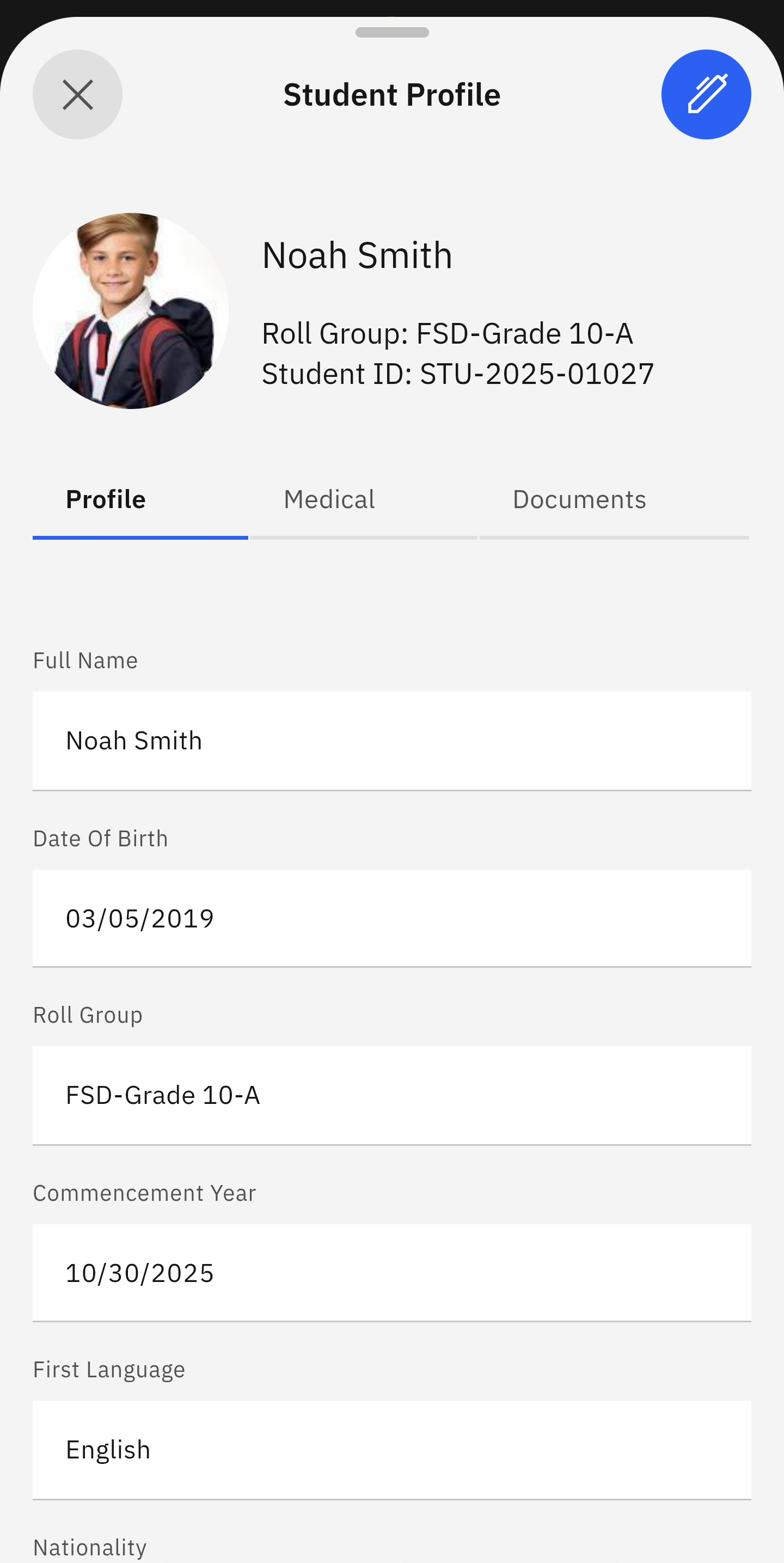
The student profile is the information shared with the school; it includes details like date of birth and nationality.
Select View Student Profile
Click the Student tile from the home screen. Tap the View Student Profile prompt. Select your child's name from the list. Their profile will display automatically. Tap the pen icon at the top right of the screen to edit the profile details.