Create Medical Information
Quick answer
- Click the Student tile.
- Select Create medical information.
- Choose the child you need to add information for.
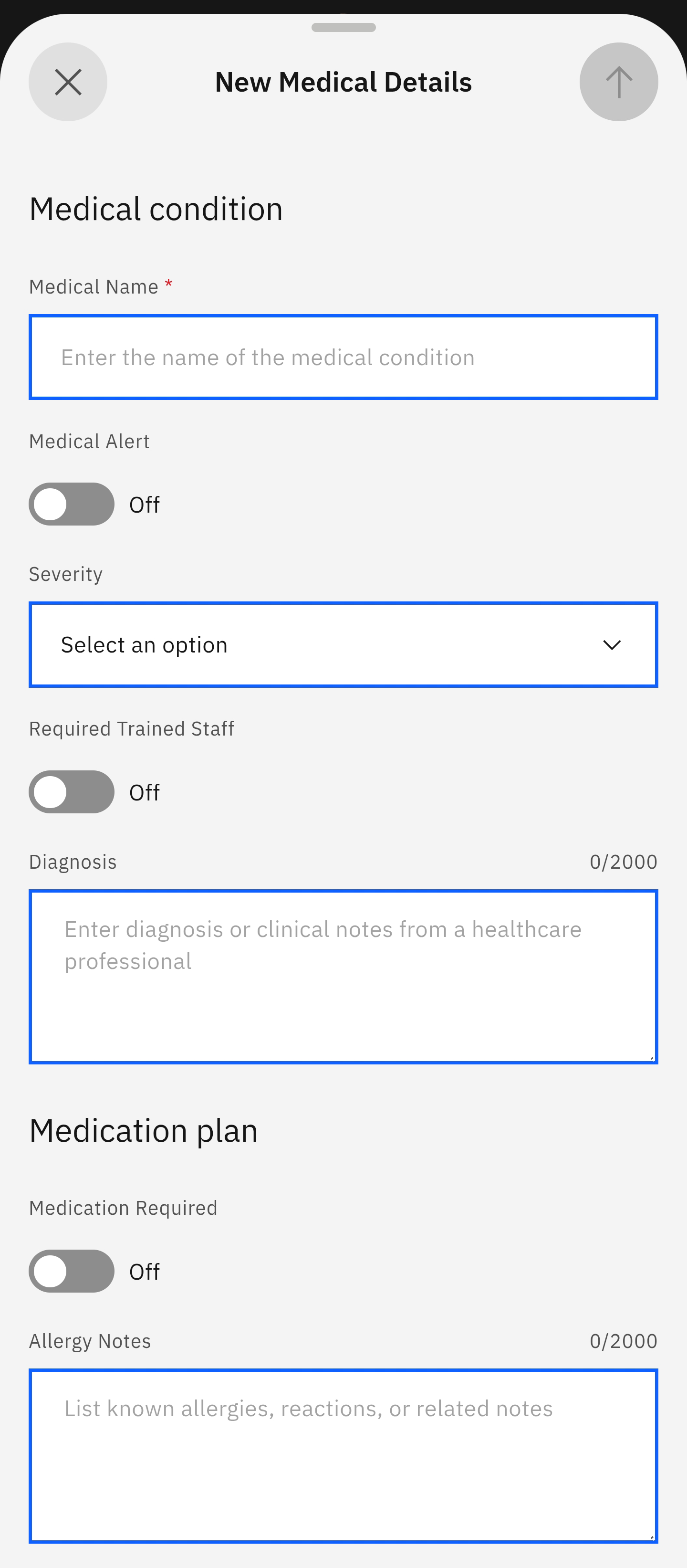
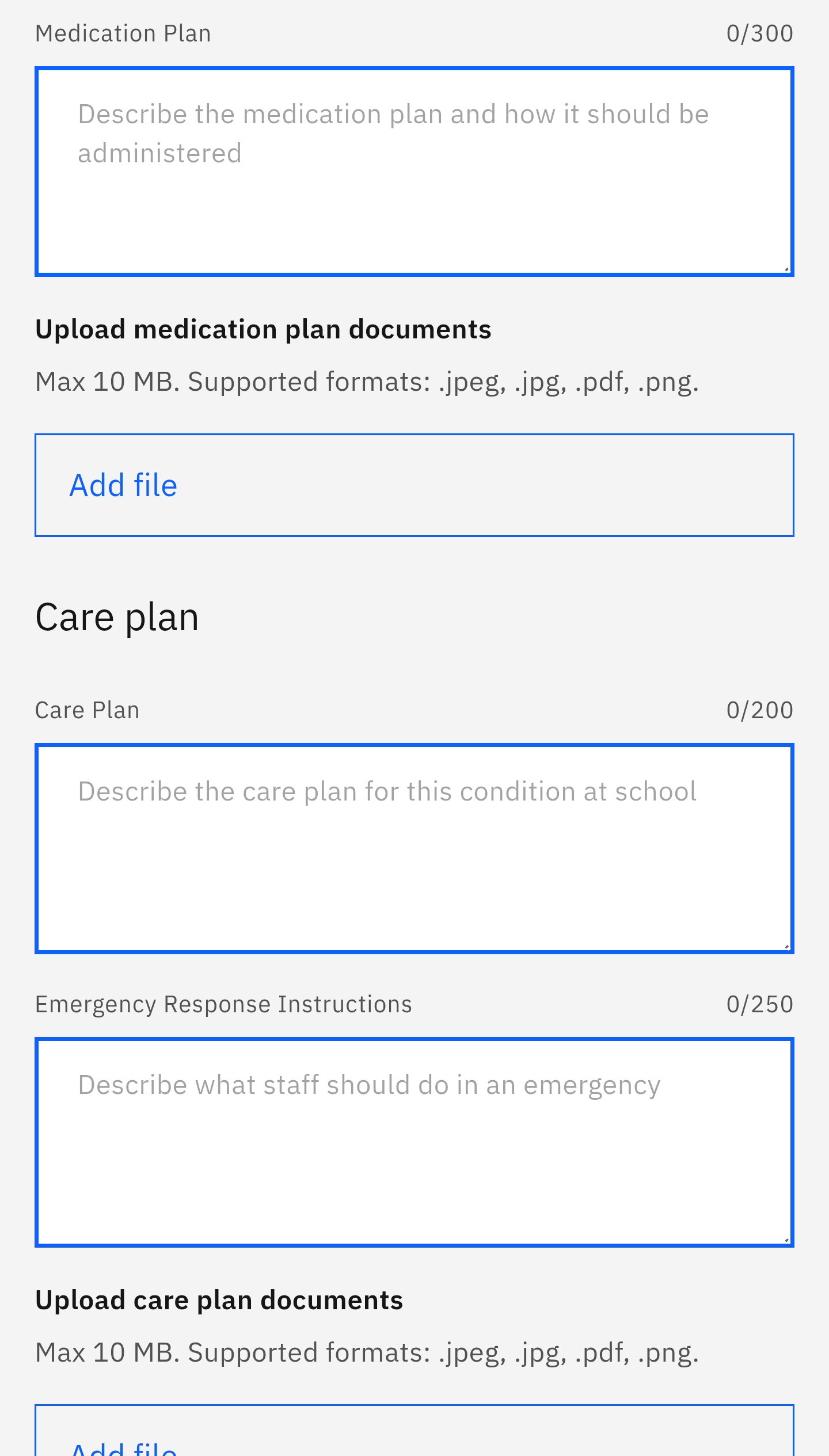
- Complete the New Medical Details form.
In cases where you need to add new medical information to your child's profile, complete the New Medical Details form through this feature.
Use the prompts to create new medical information
Click the Student tile from the home screen. Select Create medical information from the suggested prompts. The app will display all children enrolled in the school. Select the child whose profile you need to update.
Complete and share the New Medical Details form
The New Medical Details form opens automatically. Fill in the fields and share it by pressing the arrow in the top right corner.
Note: The arrow will only activate when all the fields in the form are complete.