View Notices
Quick answer
- Click the School Information tile.
- Select View notice from the suggested prompts.
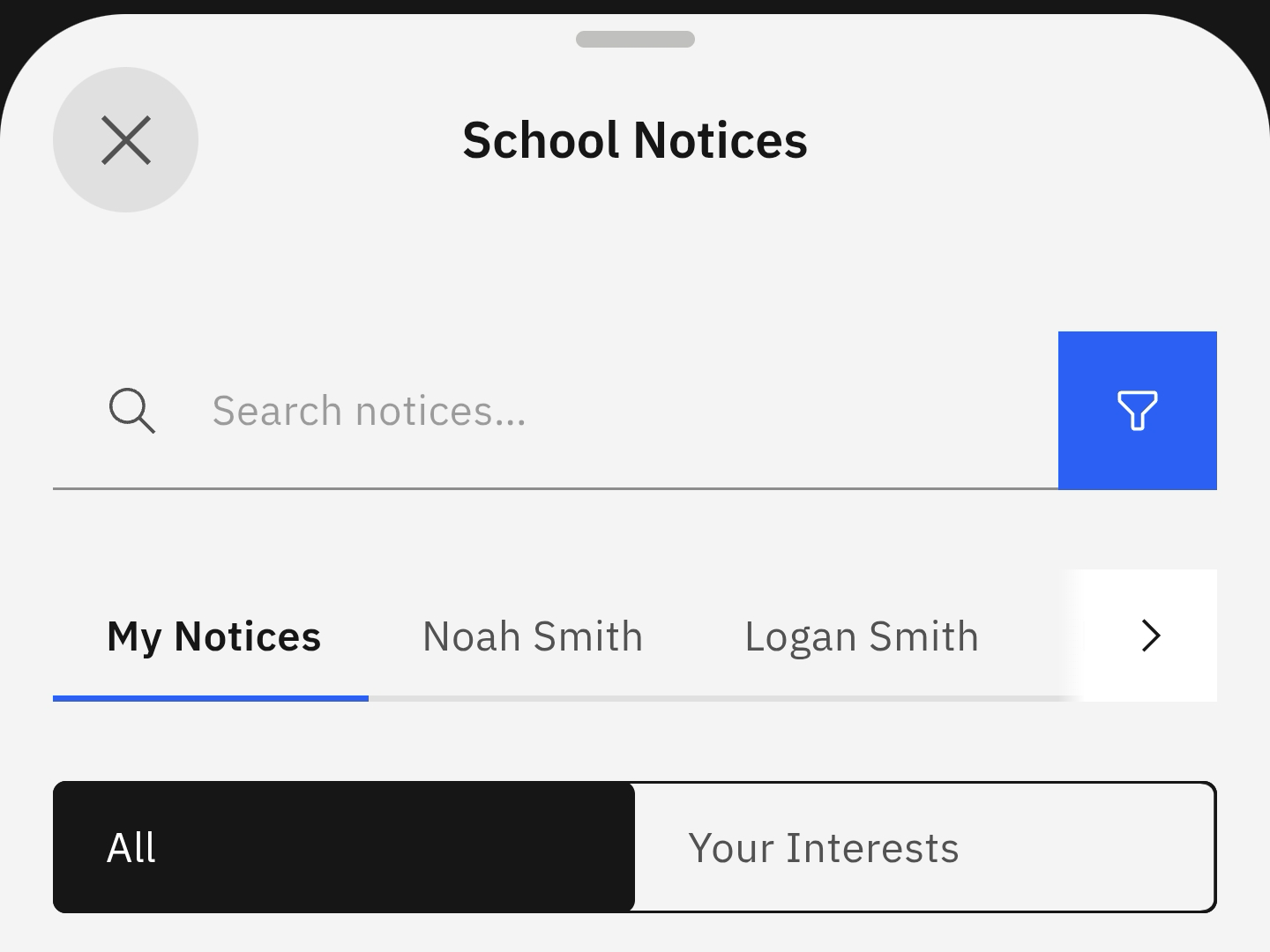
- Select between All notices and Your Interests.
To follow up on notices related to you or your children, select the prompt and filter notices to match your needs and preferences.
Note: You can also view your notices by clicking the bell icon in the navigation bar across the top of the home screen.
Select View notice from the suggested prompts
Click the School Information tile. Select the View notice prompt. The screen will display the different options and settings for viewing your notices. Click the filter button to find a specific notice faster.