Extra Support
Quick answer
- Click the School Information tile.
- Select Extra Support from the suggested prompts."
- Choose the child who needs extra support.
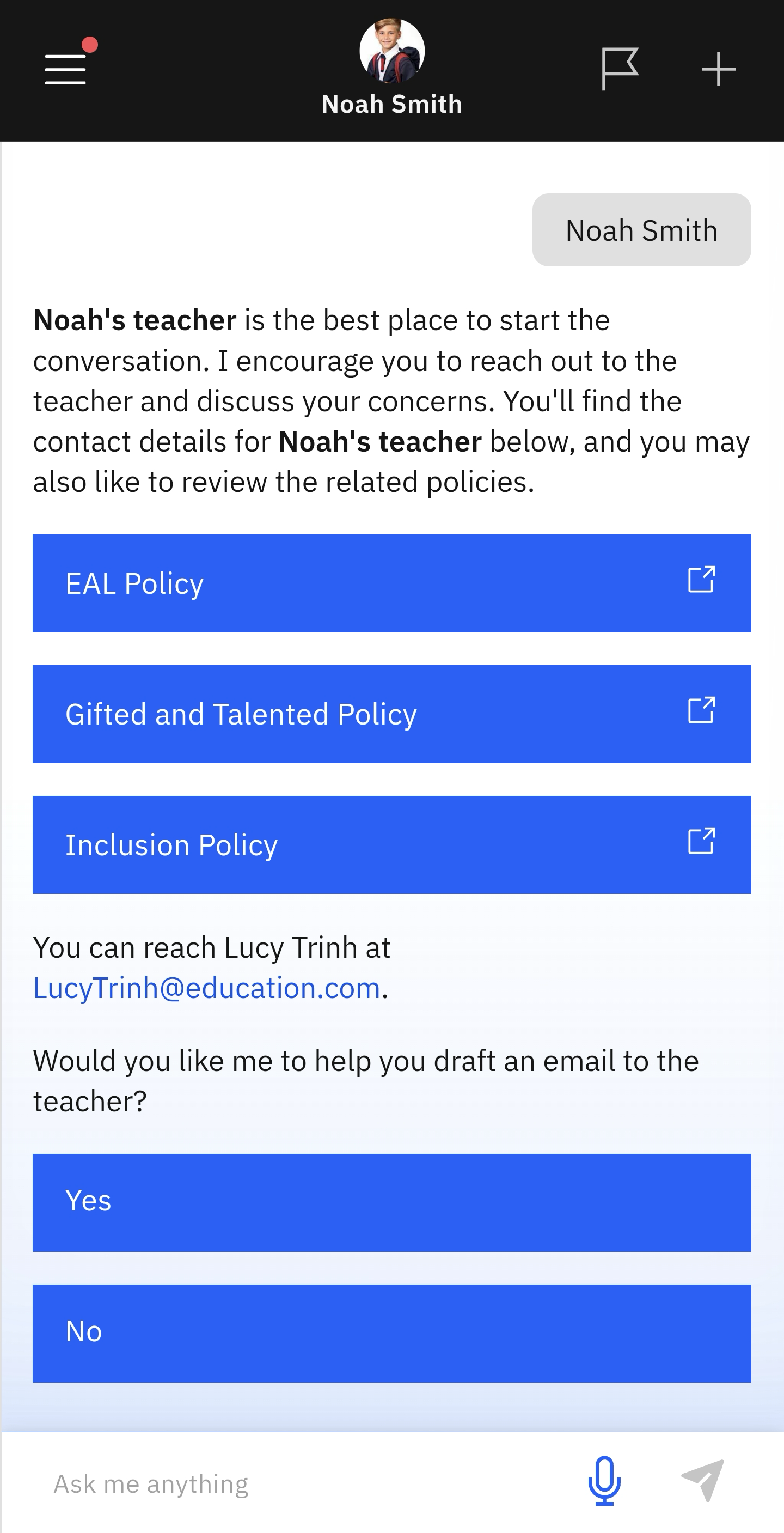
Use this feature to review the learning support policies and to draft an email to your child's teacher.
Select Extra Support from the suggested prompts
Click the School Information tile. Then select Extra Support from the suggested prompts. Choose your child from the list. The learning support policies will display automatically. The app will also help you draft an email to your child's teacher.
Note: The app will provide a list of topics to choose from when preparing the email to the teacher.