Sign in to Parent Experience Place (PXP)
Quick answer
- Open ParentExperience Place app, click log in.
- Use your GEMS email and password.
- Click sign in.
The ParentExperience Place (PXP) app uses the same email you use for GEMS communications.
Sign in with email
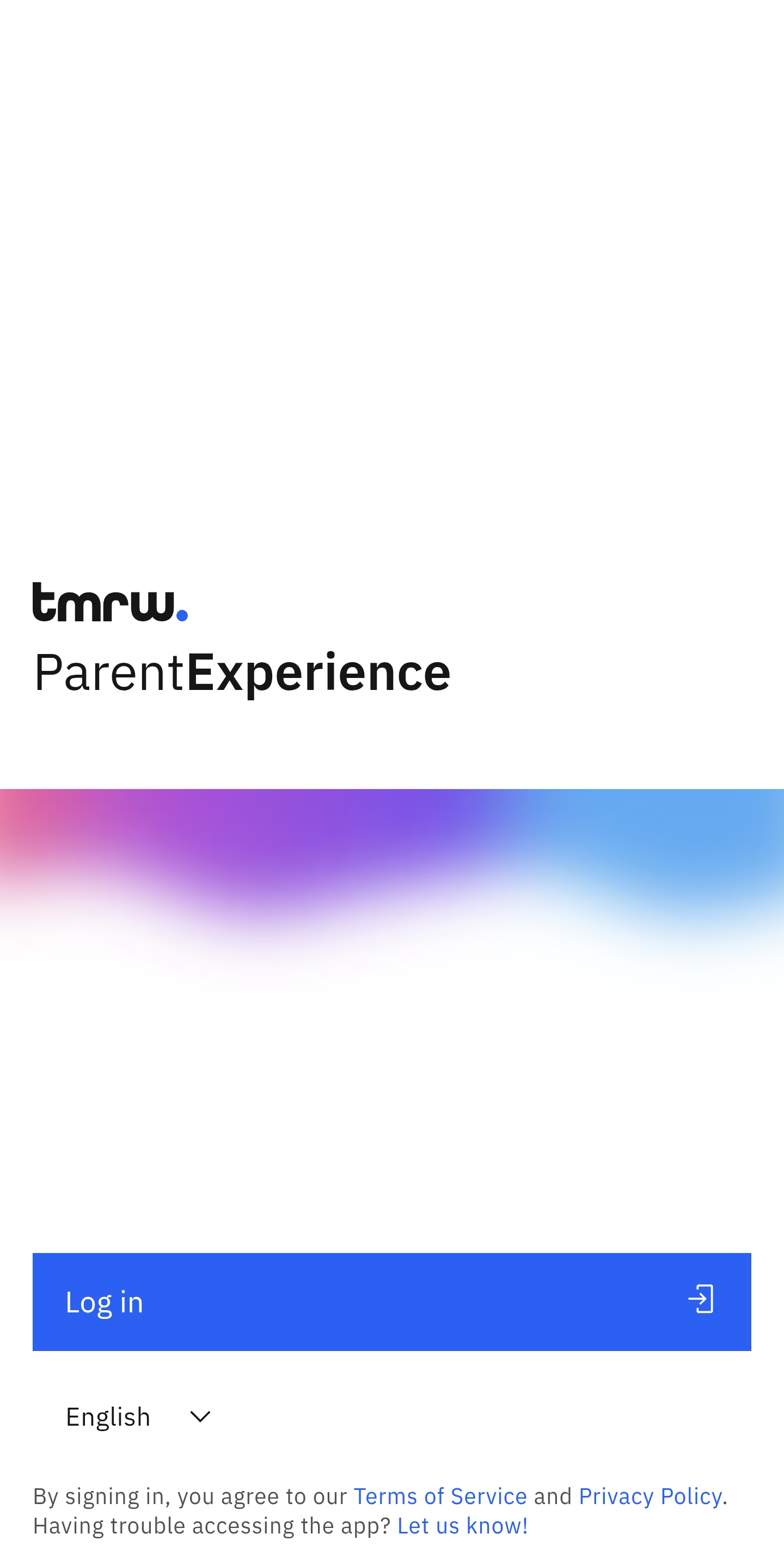
Open the ParentExperience (PXP) app and click Log in.
Enter your details
Enter the email and password you use for all GEMS communications, then click Sign in.
Note: After you sign in, a pop-up will ask whether you want to enable fingerprint sign-in.