Log out of Parent Experience Place (PXP)
Quick answer
- Click the hamburger menu at the top left of the navigation bar.
- Click Log out.
- Confirm that you wish to log out.
Open the hamburger menu
At the top left of any screen in the app on the navigation bar, tap the hamburger menu (≡).
Click Log out
At the bottom of the menu, you will find the Log out button. Click it.
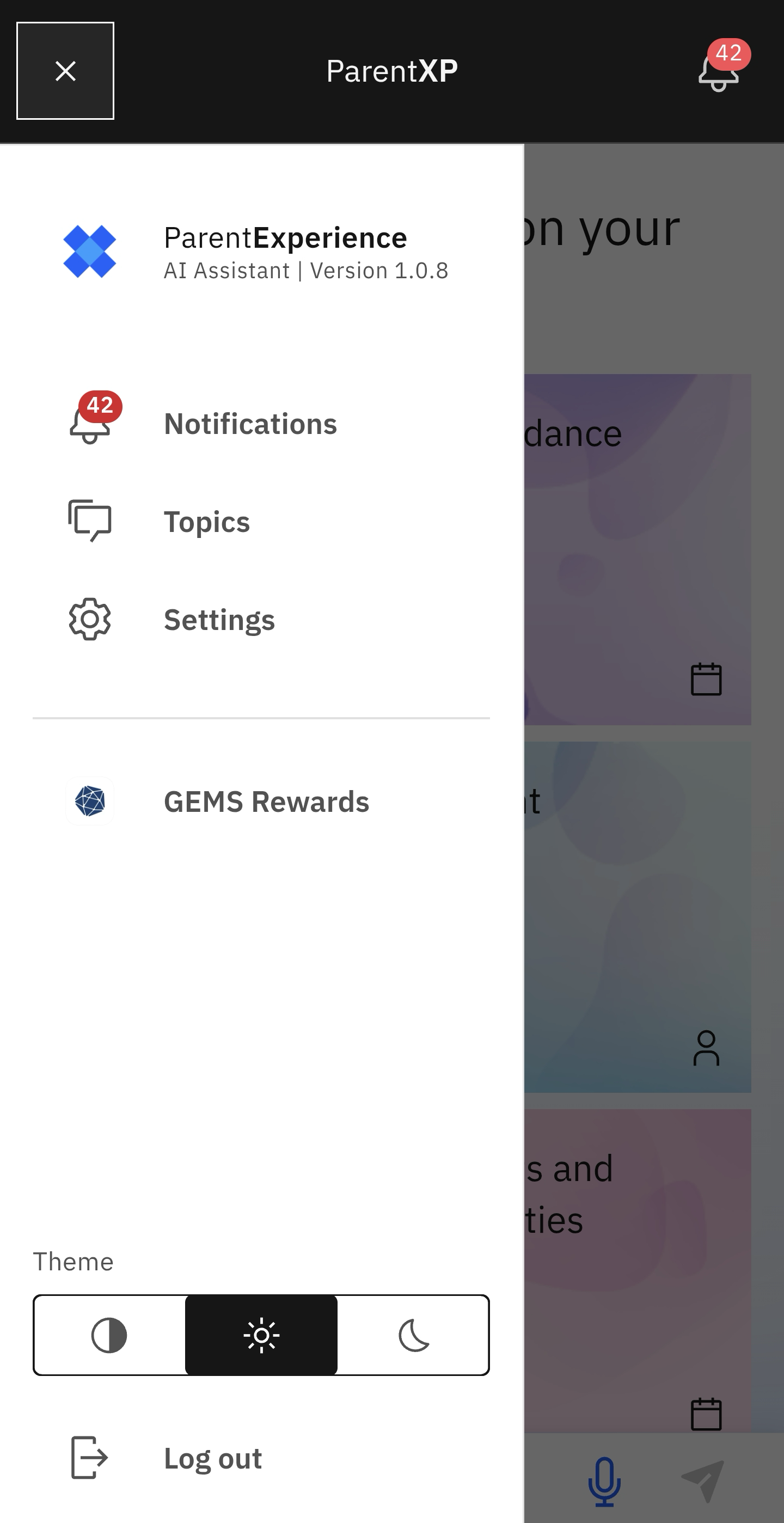
Note: A pop-up will appear asking you to confirm that you want to log out.