View Statement of Account
Quick answer
- Click Fees on the home screen.
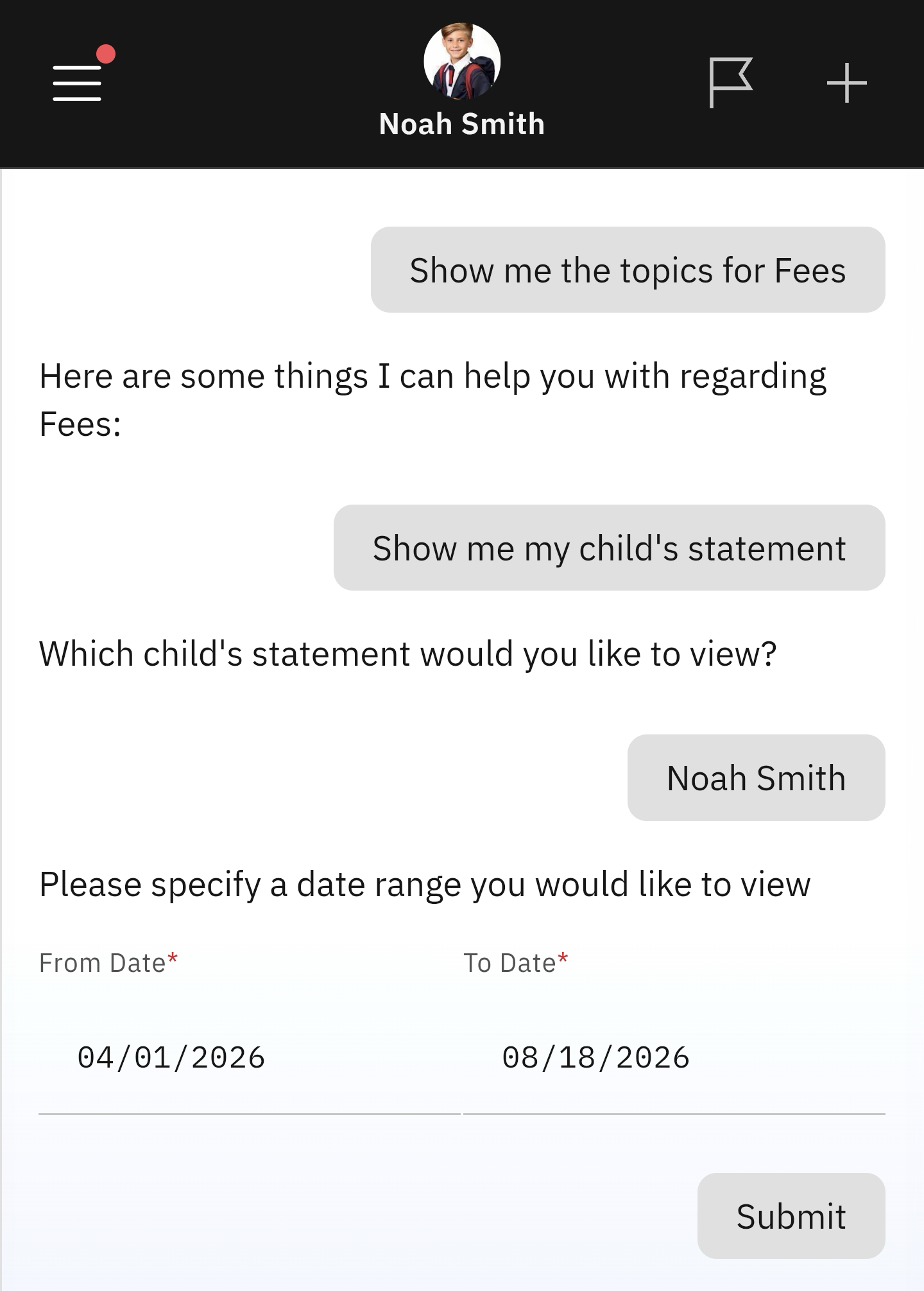
- Select View Statement of Account.
- Select the child's statement you wish to view.
This feature lets you view the account statement for each child enrolled in the school.
Select View Statement of Account
Click the Fees tile from the home screen. Select the View Statement of Account prompt.
Select the child whose statement you want to see
A list of every child enrolled in the school will appear. Select the child to view their statement. You will be asked to choose the statement's start and end dates.