Sibling Discount
Quick answer
- Click the Fees tile.
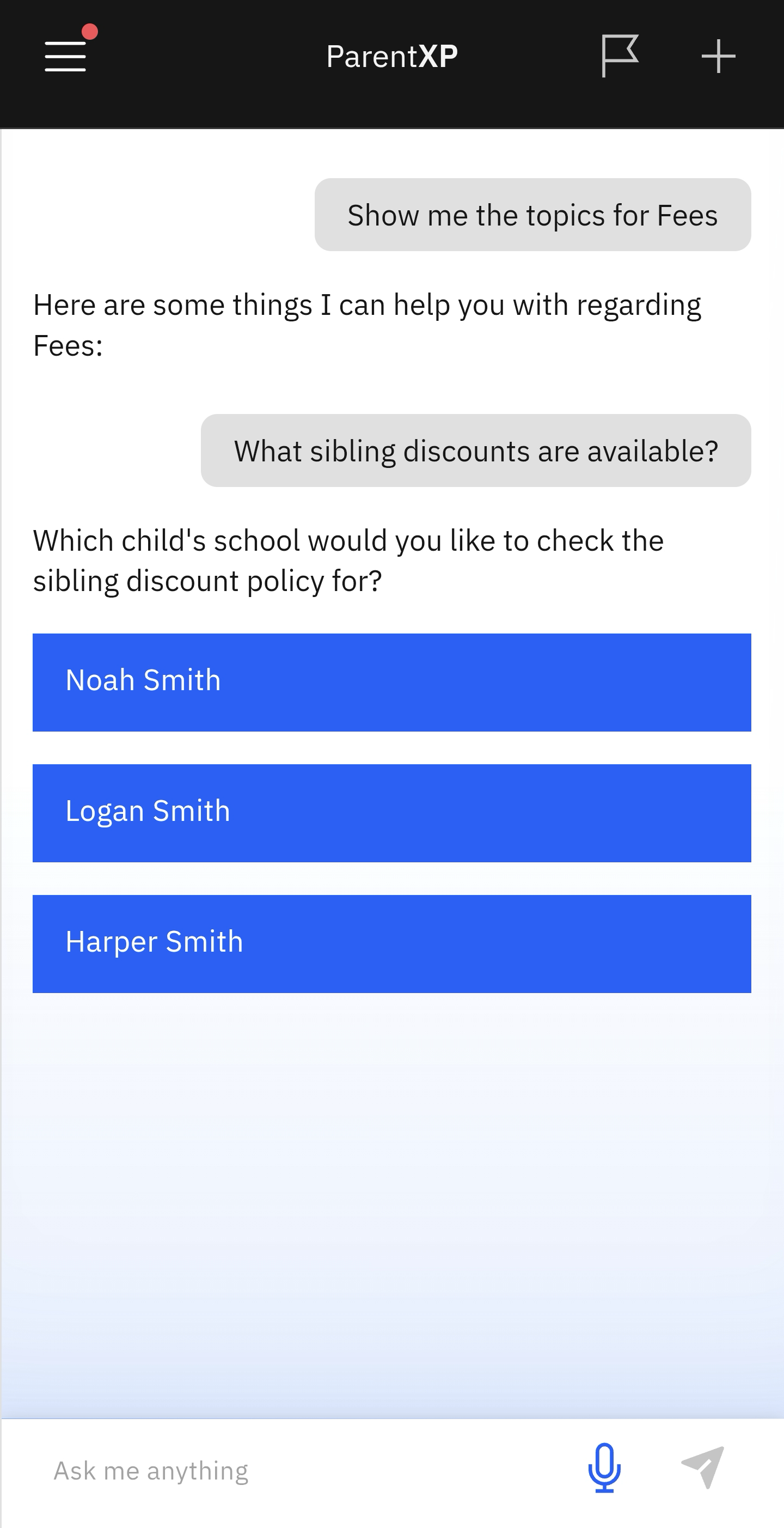
- Select Sibling Discount from the prompts.
- Select the child to see what discounts are applicable to your situation.
When siblings are actively enrolled in the same school, you may be eligible for a discount.
Select Sibling Discount from the Nova prompts
Click the Fees tile on the home screen. Select Sibling Discount from the suggested prompts.
Choose the relevant child to check for discount eligibility
Select your child from the list to see which discounts are available. The information will automatically appear.