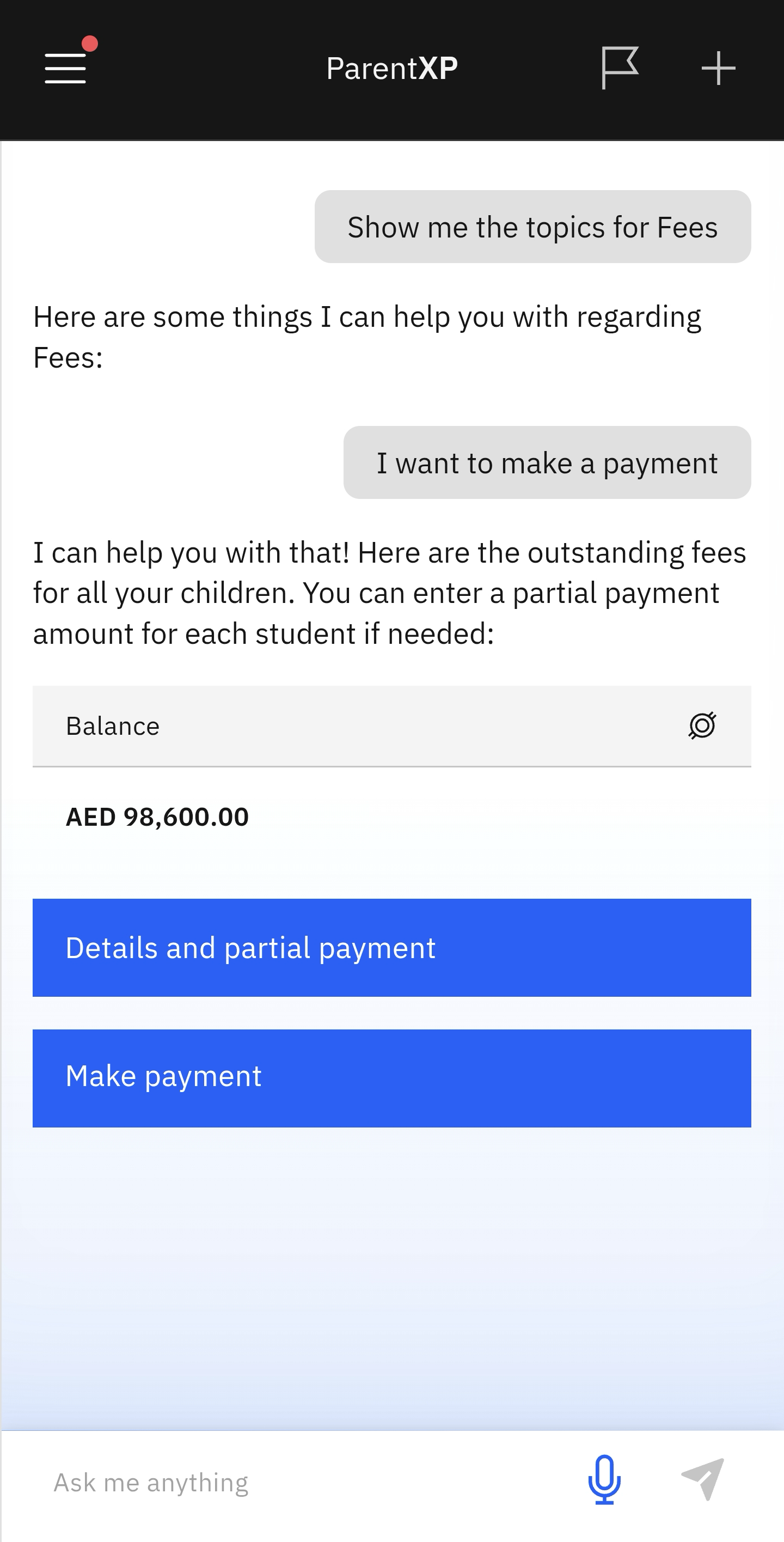
Pay Outstanding Fees
Quick answer
- Click the Fees tile.
- Click the Pay outstanding fees prompt bubble.
- Say a prayer
Click the Fees tile on the home screen
Select the Fees tile. Nova will provide a selection of prompts to choose from. Select the Pay Outstanding Fees prompt on the screen.
Choose your child from the dropdown menu
Where there are more than one child enrolled in the school, you can choose the child you would like to make payment for. The payments are listed below each child. Toggle between each child to get the total amount due.
Select the outstanding payment
You can select more than one payment to make, you can also make payment for all your children. Select all the payments you wish to cover.
Make payment
You can view the details of each payment by selecting Details and partial payment or tap Make payment. The payment summary will appear where you have the option to either Edit amounts or Proceed to payment. Where the app will connect to the school's finance system to complete the payment.