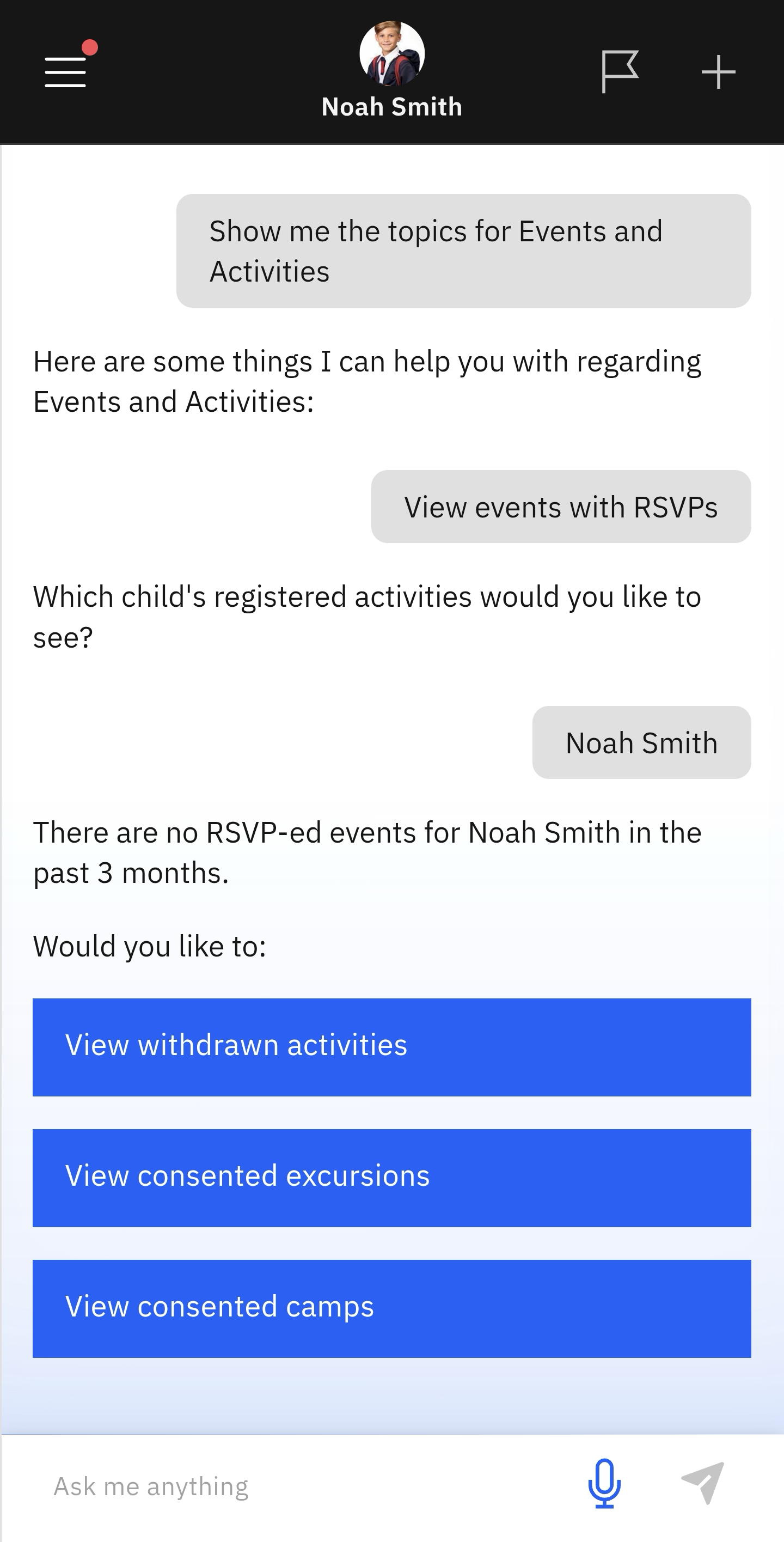
View Events with RSVPs
Quick answer
- Click the Events and Activities tile.
- Select View events with RSVPs from the suggested prompts.
- Choose the child whose activities you want to check.
Use this page to search for upcoming excursions or events that require an RSVP.
Select View events with RSVPs from the suggested prompts
Click Events and Activities from the home screen tiles. Select View events with RSVPs from the suggested prompts. Choose the child whose events you want to see. The app will notify you of any events with RSVPs (if any).
Note: The app will ask if you want to view withdrawn activities or consented excursions or camps.