Someone Else to Collect My Child
Quick answer
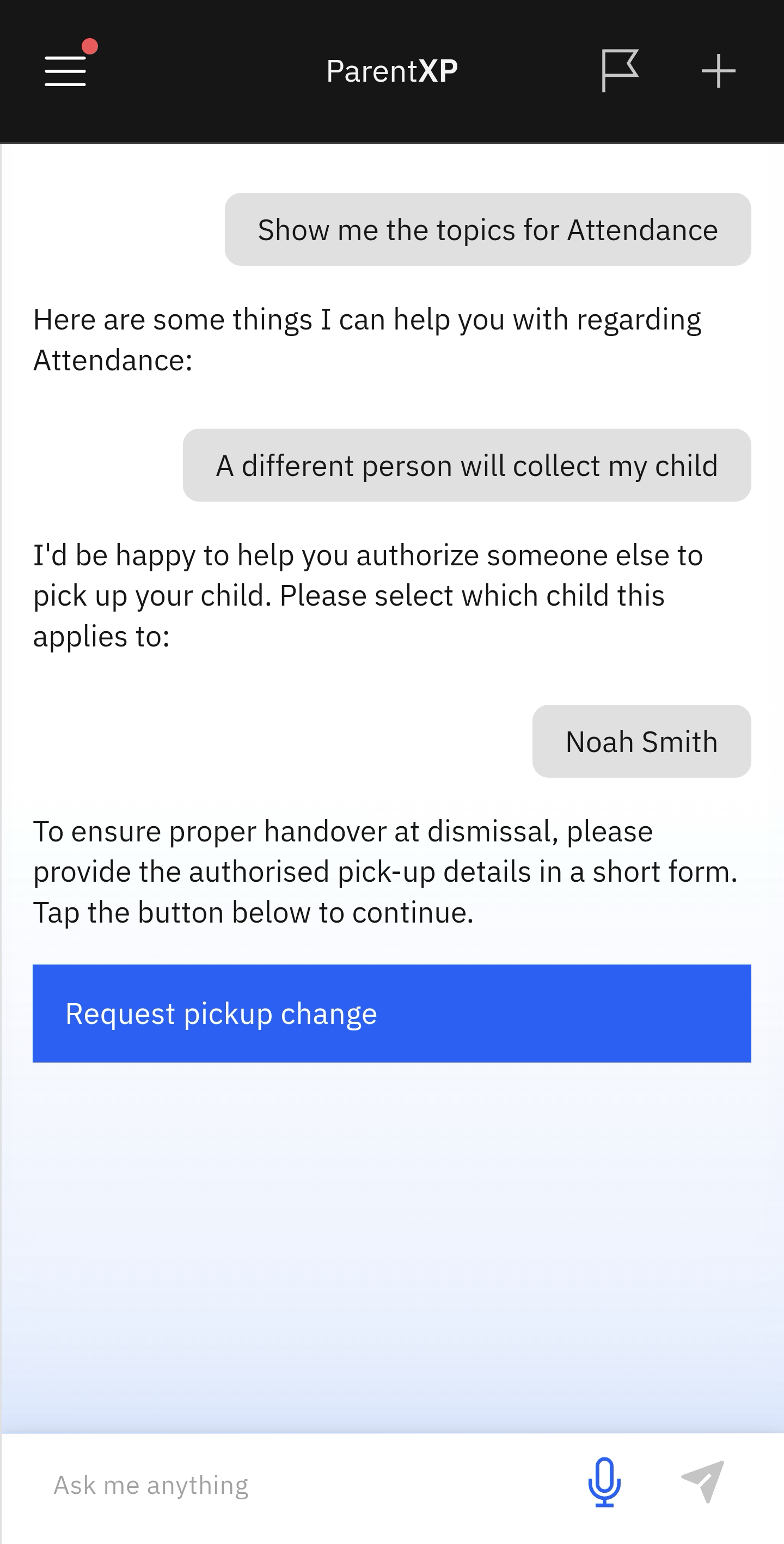
- Click the Attendance tile.
- Select Someone Else to Collect My Child from the prompts.
- Select the child in question.
- Complete the Request pickup change form.
If someone other than the registered parents/guardian is picking up your child, use the Pick-up Change form to inform the school.
Select Someone Else to Collect My Child
Click Attendance from the home screen tiles. Then select Someone Else to Collect My Child from the suggested prompts.
Select the child and complete the pickup change form
If more than one child is enrolled at the school, a list will appear. Select the child in question. Click on and fill in the Request pickup change form. Send to the school by clicking on the arrow in the top-right corner.