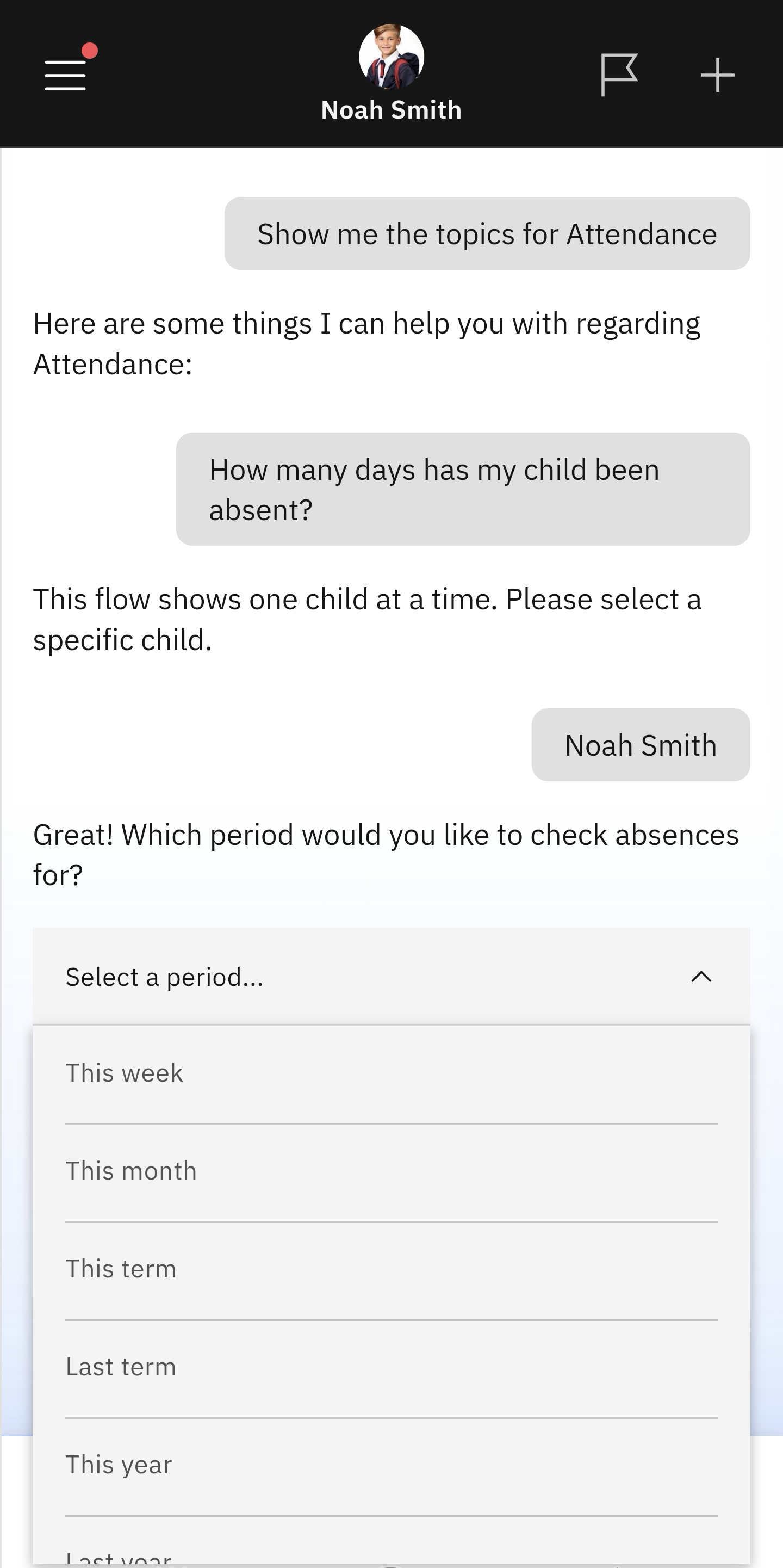
Days Absent
Quick answer
- Click the Attendance tile.
- Select Days Absent from the suggested prompts.
- Choose the child's record you want to see.
- Identify the time frame of absence you wish to review.
Use this feature to view how many days of absence your child has. You can set the time frame to a week, term, or academic year, and include the previous academic year for comparison.
Select Days Absent from the list of prompts
Select the Attendance tile from the home screen. Select the Days Absent prompt.
Identify the child whose records you wish to see
The app will display a list of your children; select the child you want to view. Use the dropdown menu to choose the timeframe you want to view absences for.