Manage visa type setup
Quick answer
- Go to Visa Master ▸ Visa Type in D365.
- Review the existing types or click New to add one.
- Click Save when done.
Visa types define the categories of visas available when recording employee visa information. These values were pre-loaded from the organisation's prior system during migration.
Navigate to Visa Type
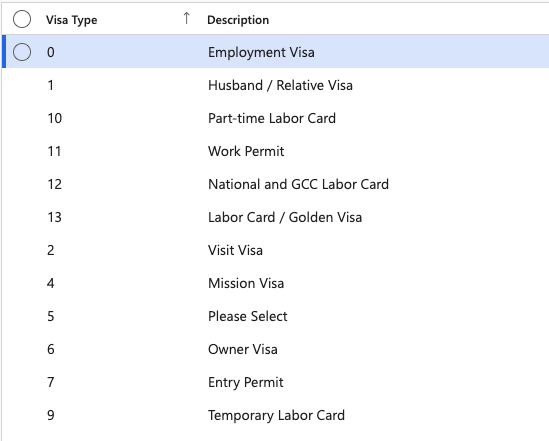
From D365, go to Human Resources ▸ Setup ▸ Visa master ▸ Visa Type. The full list of configured visa types is displayed.
Add a new visa type
Click New, complete the required fields (type label and description), then click Save.
Export the list
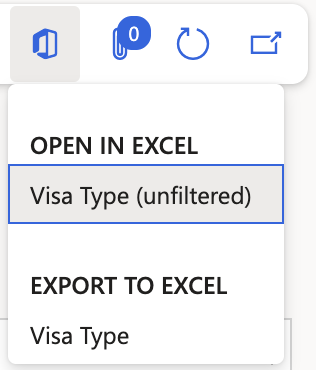
Click Export to Excel to download the list if needed.