Manage visa status setup
Quick answer
- Go to Visa Master ▸ Visa/Labour card status in D365.
- Review the configured lifecycle statuses.
- Edit a status or export the list as needed, then Save.
Visa statuses define the lifecycle stages used to track the progress of visa and labour card applications. Set these values during initial configuration; they apply to all employee visa records.
Navigate to Visa/Labour card status
From D365, go to Human Resources ▸ Setup ▸ Visa master ▸ Visa/Labour card status.
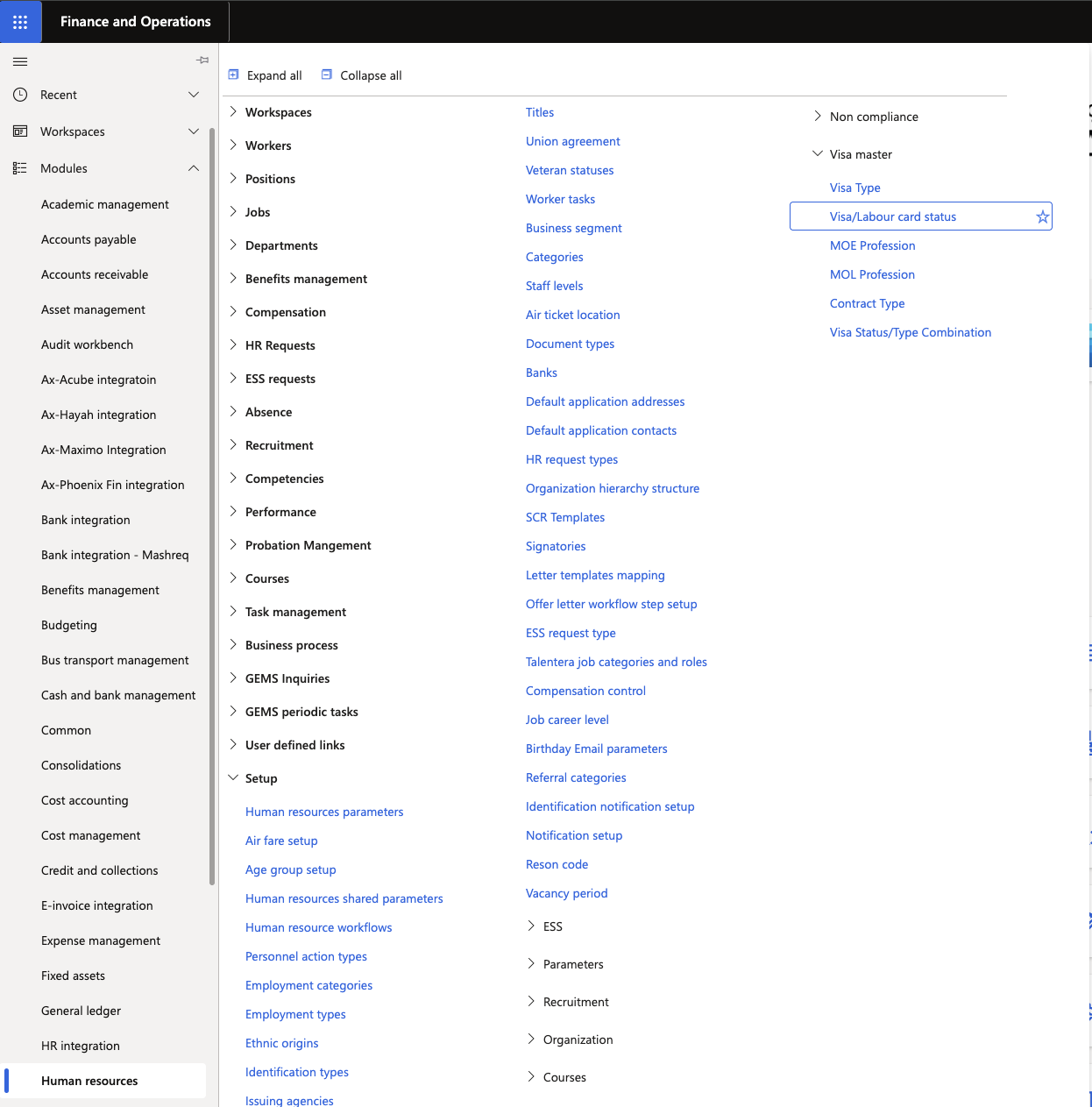
Review the configured statuses
The list shows all available statuses. The default statuses are:
Status Description Applied Application has been submitted to the relevant authority Not Applied Application has not been submitted to the relevant authority Visa Holder Visa holder LC Holder Labour card holder 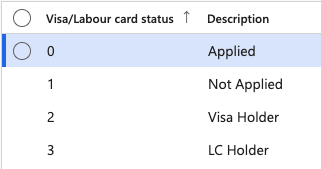
Edit a status
To modify an existing status, click Edit on the relevant row and make your changes.
Export the list
Click Export to Excel to download the full list if needed.
Save
Click Save when complete.