Manage MOE professions
Quick answer
- Go to Visa Master ▸ MOE Profession in D365.
- Review the list or click New to add a profession.
- Click Save when done.
MOE (Ministry of Education) professions define the occupational classifications relevant to the education sector, used to categorise employee roles in line with Ministry requirements.
Navigate to MOE Profession
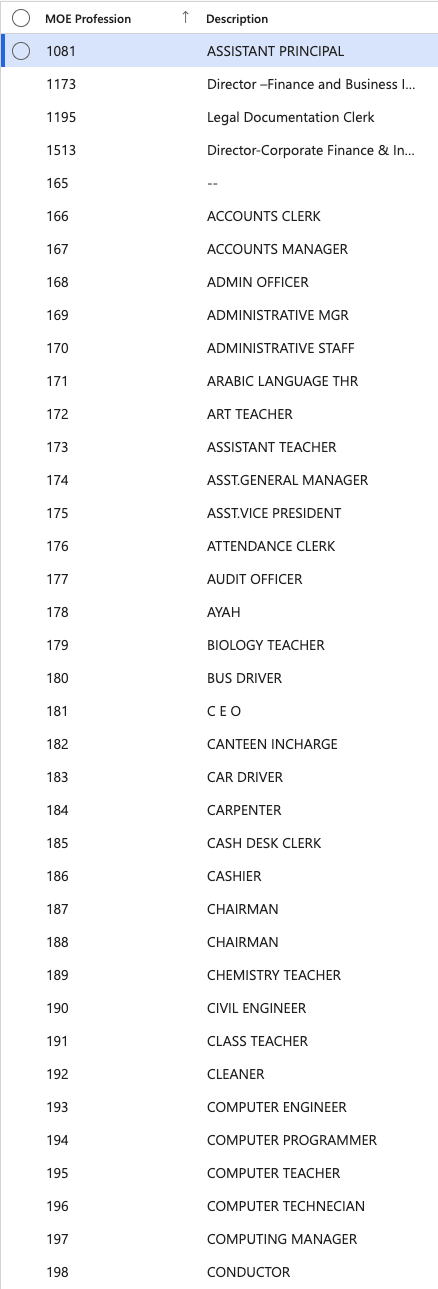
From D365, go to Human Resources ▸ Setup ▸ Visa Master ▸ MOE Profession. The full list of configured professions is displayed.
Add a new profession
Click New, complete the required fields, then click Save.
Export the list
Click Export to Excel to download the list if needed.