Review and approve overtime
Quick answer
- In D365, go to Time and attendance ▸ Overtime details — only employees with overtime appear.
- Filter by date range and switch between the Line and Hierarchy views as needed.
- Click Edit, select one or several records, and click Approve.
Overtime details is the manager's view of overtime in D365, and the first of the three approval stages. It is the same approval the manager can do from ESS — whichever route is used, the record is the same.
Open the overtime details form
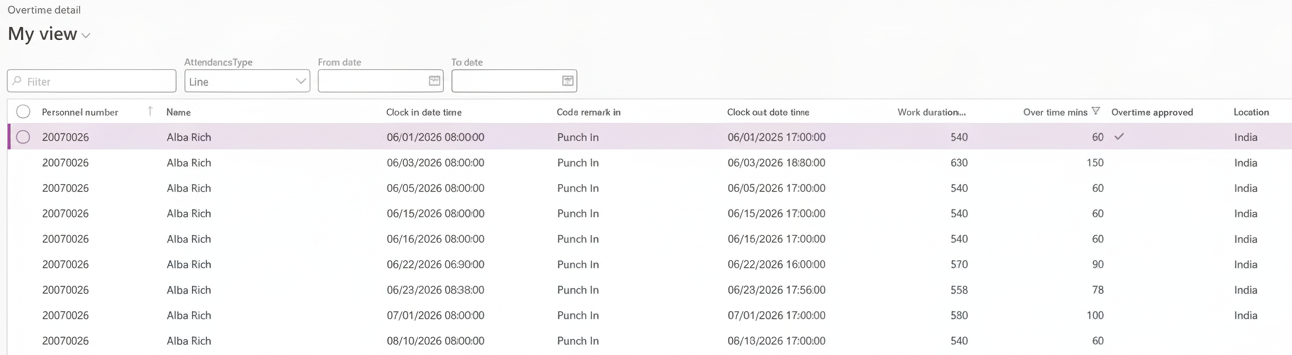
In D365, go to Time and attendance ▸ Inquiries and reports ▸ Attendance ▸ OverTime detail.
Understand what you are seeing
Only employees with overtime records appear here. The form includes a filter option in the overtime minutes column to view employees with logged overtime, so it is a working list rather than a full roster.
Overtime below the threshold set in the human resource shared parameters is excluded too — see Configure time and attendance parameters.
Narrow to a date range
Set a From date and To date and click Get data to see overtime between those dates.
Switch between the line and hierarchy views
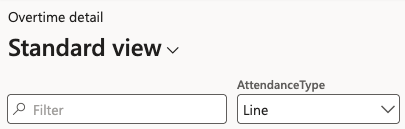
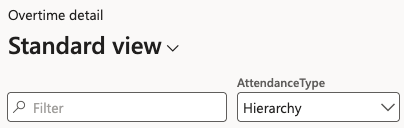
As with attendance details, Line shows your direct reports and Hierarchy shows the people assigned to you through the overtime hierarchy in your position.
Check who last changed the record
The Modified by and Modified date and time columns show who last touched each overtime record, so you can see whether an entry has been amended and by whom before you approve it.
Approve
Click Edit, then select the records you want to approve. You can select one record, or several for the same employee, and approve them together.
Click Approve. The Total approved minutes updates as you approve records.
Approving here is the manager stage. The record then has to pass HR and finance before it reaches payroll — see Complete the HR and finance overtime approvals.
An overtime record approved by the manager in ESS appears here as soon as it is approved — the two screens show the same data, not a copy. See Approve your team's overtime in the ESS guide.