Sign in to Dynamics 365 HR
Quick answer
- Navigate to the D365 HR portal URL provided by your system administrator.
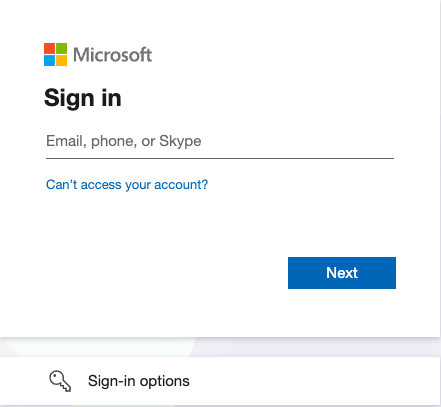
- Click Sign in and enter your GEMS Microsoft 365 email and password.
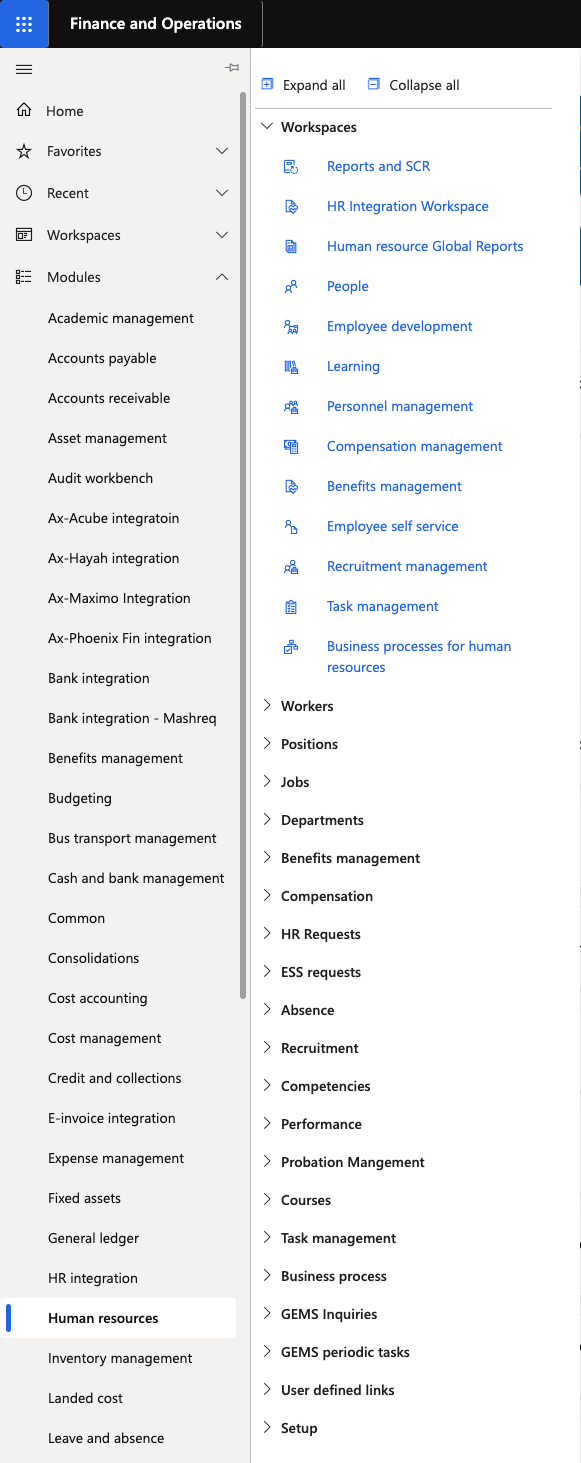
- From the D365 home page, open Modules ▸ Human Resources to begin.
D365 HR uses your GEMS Microsoft 365 account — the same login you use for email.
Open the D365 HR portal
Navigate to the D365 HR URL. Your system administrator will have provided this link.
Sign in with Microsoft
Click Sign in and enter your GEMS Microsoft 365 email address and password. If your organisation uses single sign-on (SSO) and you are already signed into Microsoft on this device, you will be signed in automatically.
Open Human Resources
Once on the D365 home page, click the hamburger menu (☰) on the left, select Modules, and click Human Resources to begin.