Configure reward types on the component master
Quick answer
- Open the Component Master in D365 and filter for components that should appear in the rewards statement.
- Click Edit and set the Reward Type field for each applicable component.
- Click Save.
The Reward Type field on the component master classifies compensation and benefit components so they appear in the correct category on the employee rewards statement in ESS. Components without a reward type are excluded from the statement. This is a one-time configuration step for each applicable component.
Open the Component Master
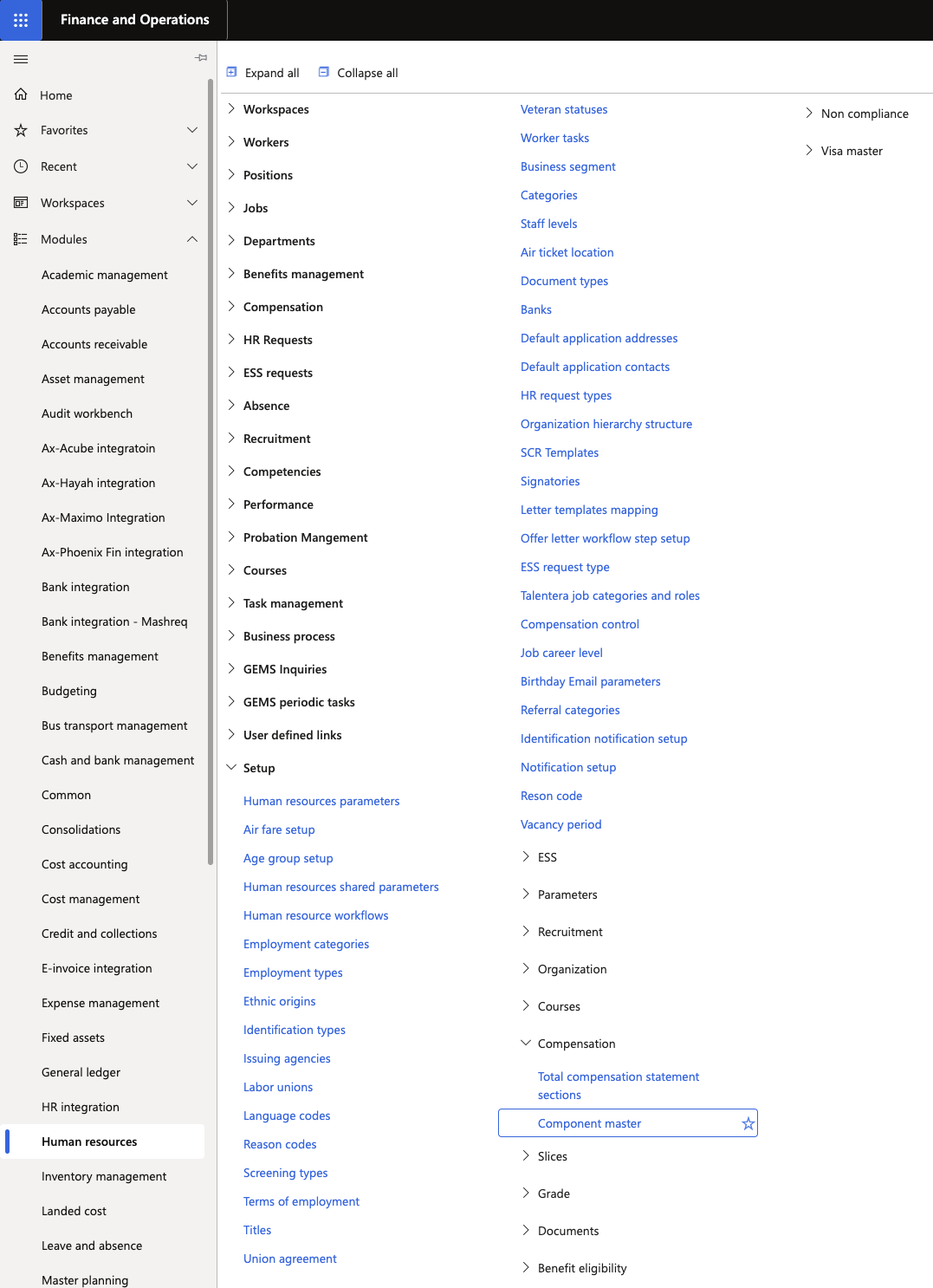
In D365, navigate to the Component master form. Human Resources ▸ Setup ▸ Compensation.
Filter for relevant components
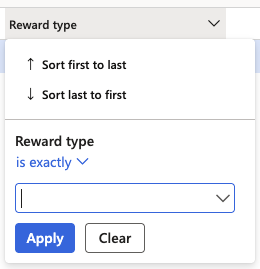
To identify which components have already been configured, filter the Reward Type column where the value is not empty. This shows all components currently marked for inclusion in the rewards statement.
To find components that still need to be configured, clear the filter and review all components.
Open a component
Select the component you want to configure and click Edit.
Set the Reward Type
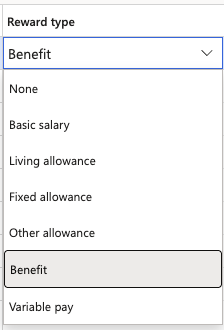
In the Reward Type field, select the category that best describes this component. Available options include:
- Fixed Allowance — recurring fixed allowance components
- Living — living or accommodation-related allowances
- Other — any other components to be included in the statement
Components with a reward type set will appear in the corresponding category on the employee's rewards statement in ESS.
Save
Click Save to apply the configuration.
Repeat for each component that should appear in the rewards statement.