View All Students' Visa Types
Quick answer
- Run the Students with Visa report from Academic Management ▸ Inquiries and reports ▸ Visa Management.
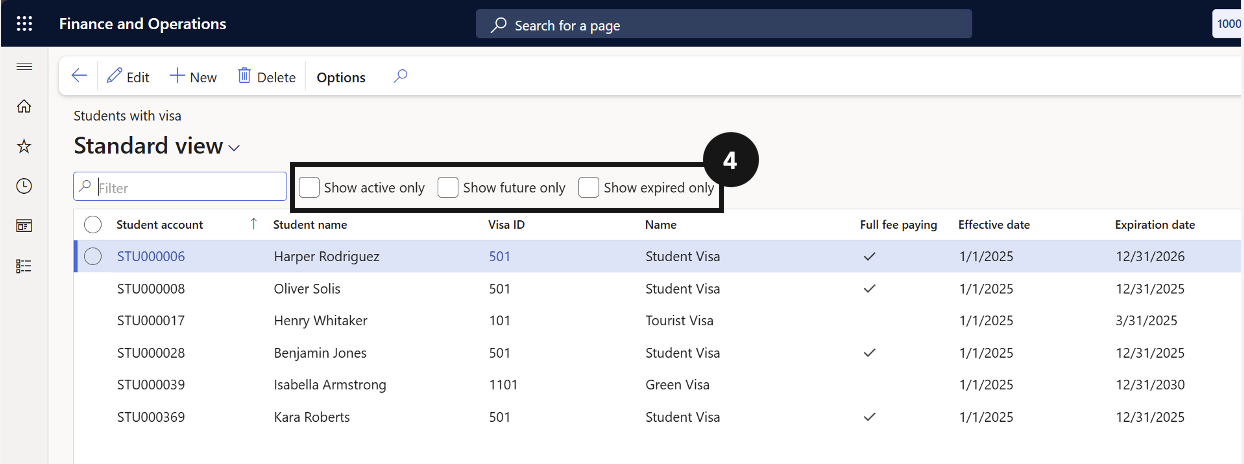
- Use the checkbox filter to narrow results by visa status.
The Students with visa report gives a full list of students with active visa records across the school. Use it to review international student cohort data and filter by visa status.
Open the report
From the FNO dashboard, open Modules ▸ Academic Management, expand Inquiries and reports, expand Visa Management, and click Students with visa.
Filter and review
Use the checkboxes (④) to filter results by visa status. The report lists all students with active visa records and their visa type.