Assign Fee Category to an Item
Quick answer
- Open the fee item in Product information management ▸ Products ▸ Released products, click Edit, expand the Sell section, and set the fee category.
Open the item
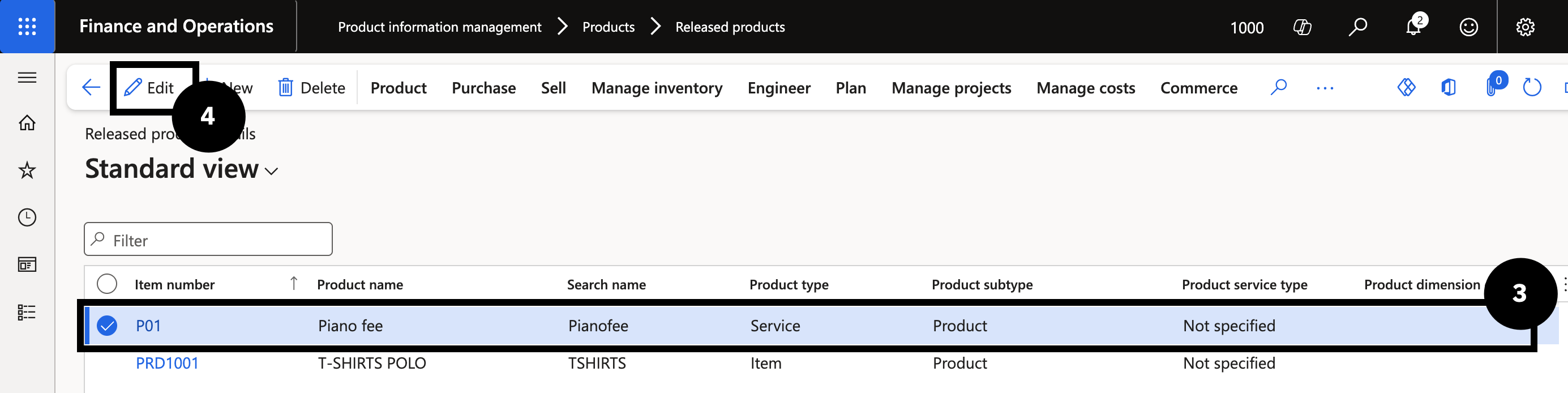
From the FNO dashboard, open Modules ▸ Product information management, expand Products, and click Released products. Find and select the item (e.g., Piano fee) (③). Click Edit in the Action Pane (④).
Set the fee category
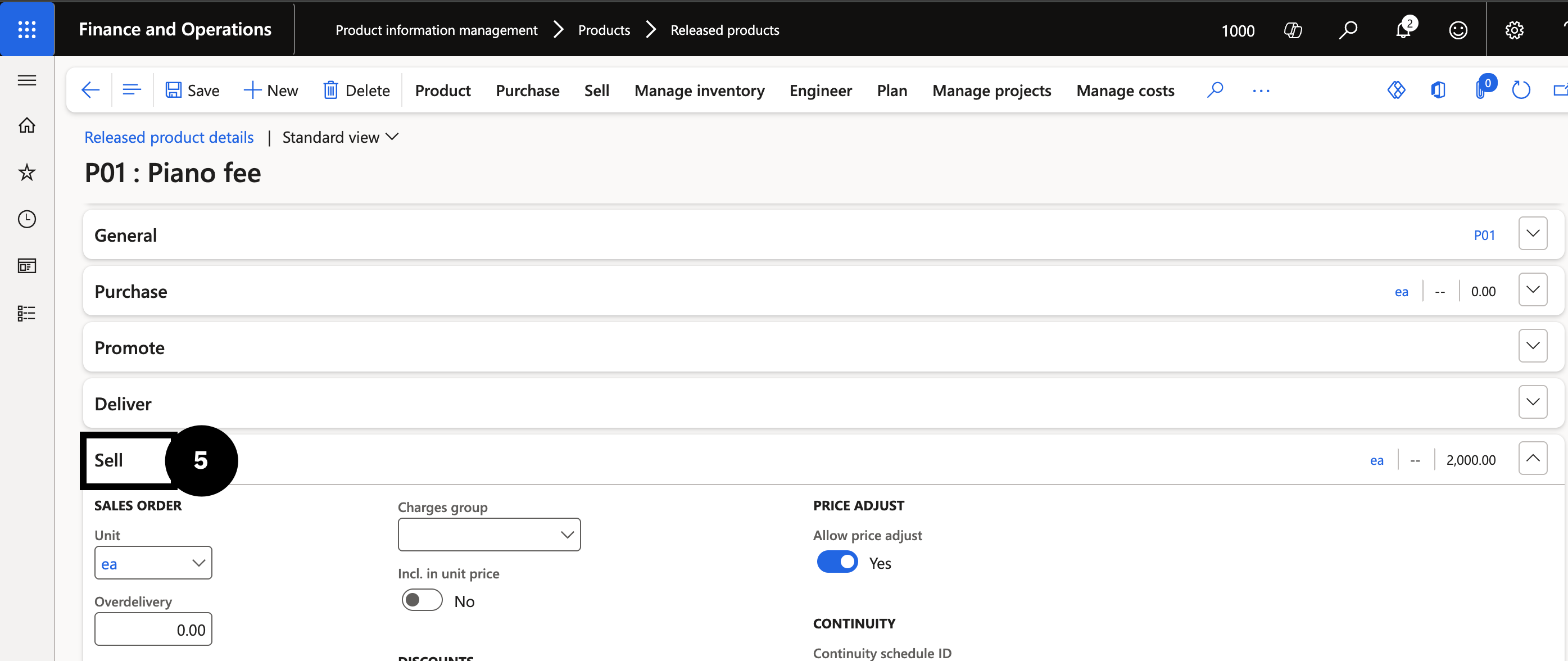
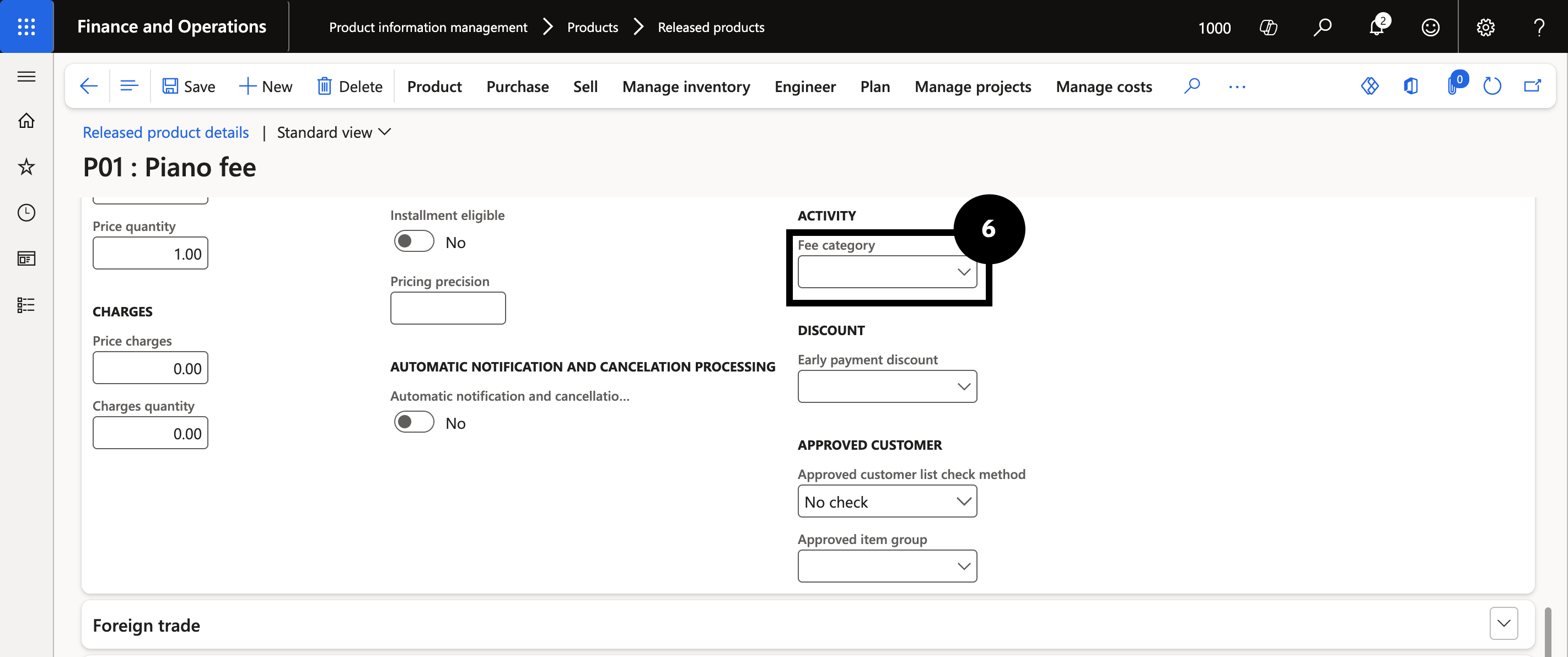
Expand the Sell section below (⑤) and set the Fee category (⑥).
Save
Click Save.