Set Up Visa Types
Quick answer
- Open Academic Management ▸ Setup ▸ Visa types, click New, complete the columns, and select Full fee paying if the student is not subsidised.
- Clear the Active box if the visa is no longer valid — visa types can be deactivated without deleting historical records.
Visa types classify the visa status held by international students and determine whether a student is full fee paying or subsidised. Types configured here are available for selection on student records and can drive fee calculations where students qualify for a fee reduction based on their visa status.
Open Visa types and create a new entry
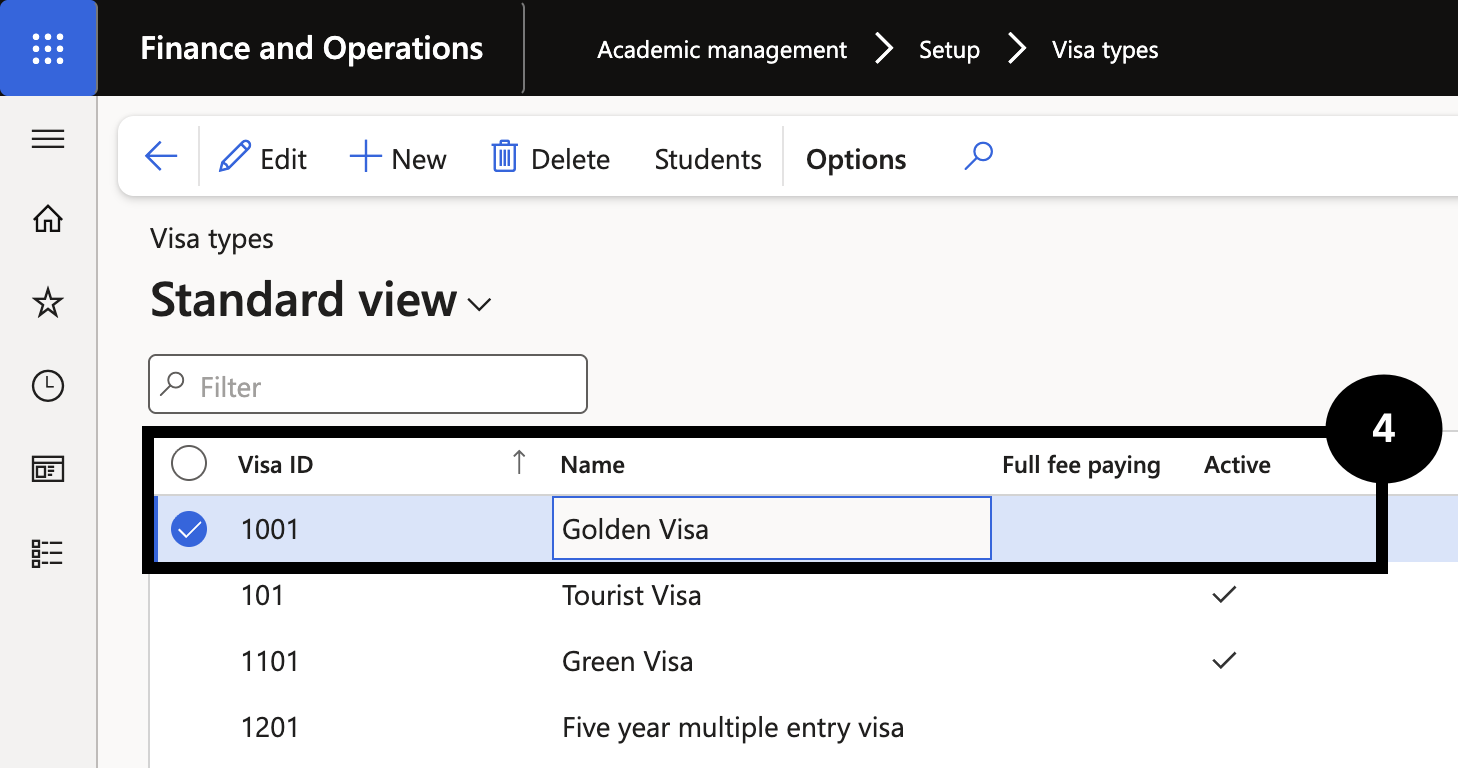
From the FNO dashboard, open Modules ▸ Academic management, expand Setup, and click Visa types. Click New in the toolbar and complete the columns to create a new visa type:
- Full fee paying — select this if the student is not subsidised and must pay the full tuition fee.
- Active — clear this checkbox if the visa type is no longer valid. Deactivating does not delete historical records (④).
Save
Click Save.