View Approved Discount Fees on a Batch
Quick answer
- Open Academic Management ▸ Fee schedule batches ▸ All fee schedule batches.
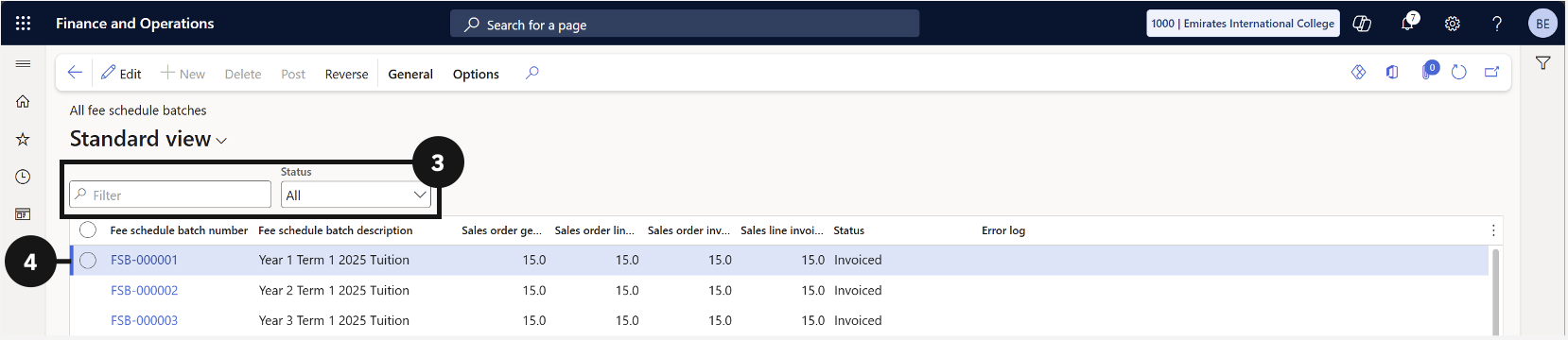
- Search for and open the fee record.
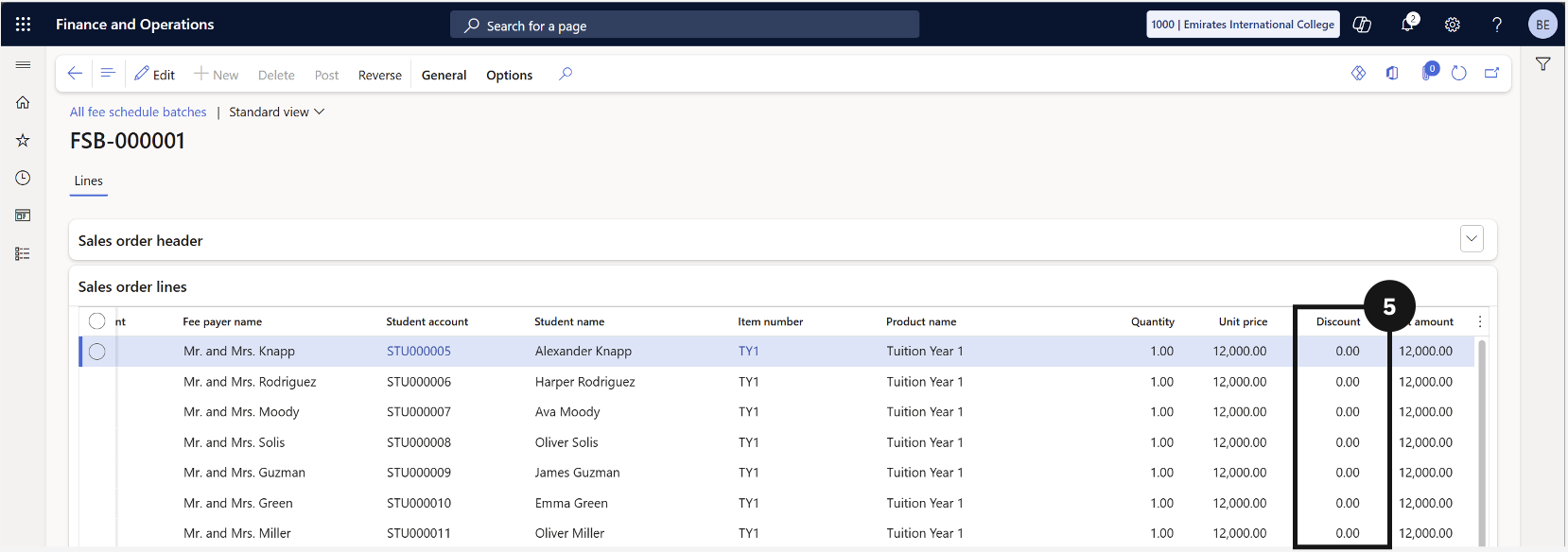
- Under Sales order lines, scroll right to see the discount amount applied.
Open All Fee Schedule Batches
From the FNO dashboard, open Modules ▸ Academic Management, expand Fee schedule batches, and click All fee schedule batches.
Open the fee record
Search for and open the fee record you want to review (③-④).
View the discount amount
Under Sales order lines, scroll to the right to see the Discount amount (⑤) applied to each line.