Control Discount Eligibility Based on Payment
Quick answer
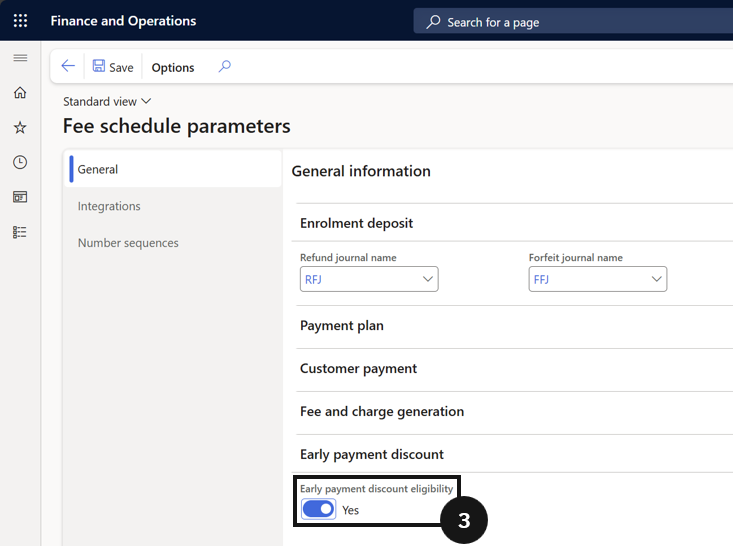
- Open Academic Management ▸ Setup ▸ Fee schedule parameters, enable or disable Early payment discount eligibility, then save.
- If unchecked, the discount applies even if only one invoice is paid. If checked, the discount applies only if all due invoices are paid together.
This setting controls whether the early payment discount applies when any invoice is paid before the early payment date, or only when all outstanding invoices are paid together by that date.
Open Fee schedule parameters and set eligibility
From the FNO dashboard, open Modules ▸ Academic Management, expand Setup, and click Fee schedule parameters. Choose whether to enable or disable Early payment discount eligibility (③):
- Unchecked — the discount applies even if only one invoice is paid.
- Checked — the discount applies only if all due invoices are paid together.
Save
Click Save.