Assign Early Payment Discounts to Products/Fees
Quick answer
- Open the fee item in Product information management ▸ Products ▸ Released products, expand the Sell section, and assign the relevant early payment discount code, then save.
- Used for the Advance Discount Payment — Date Based setup.
This process is used for the Advance Discount Payment — Date-Based setup.
Open the fee item and assign the discount
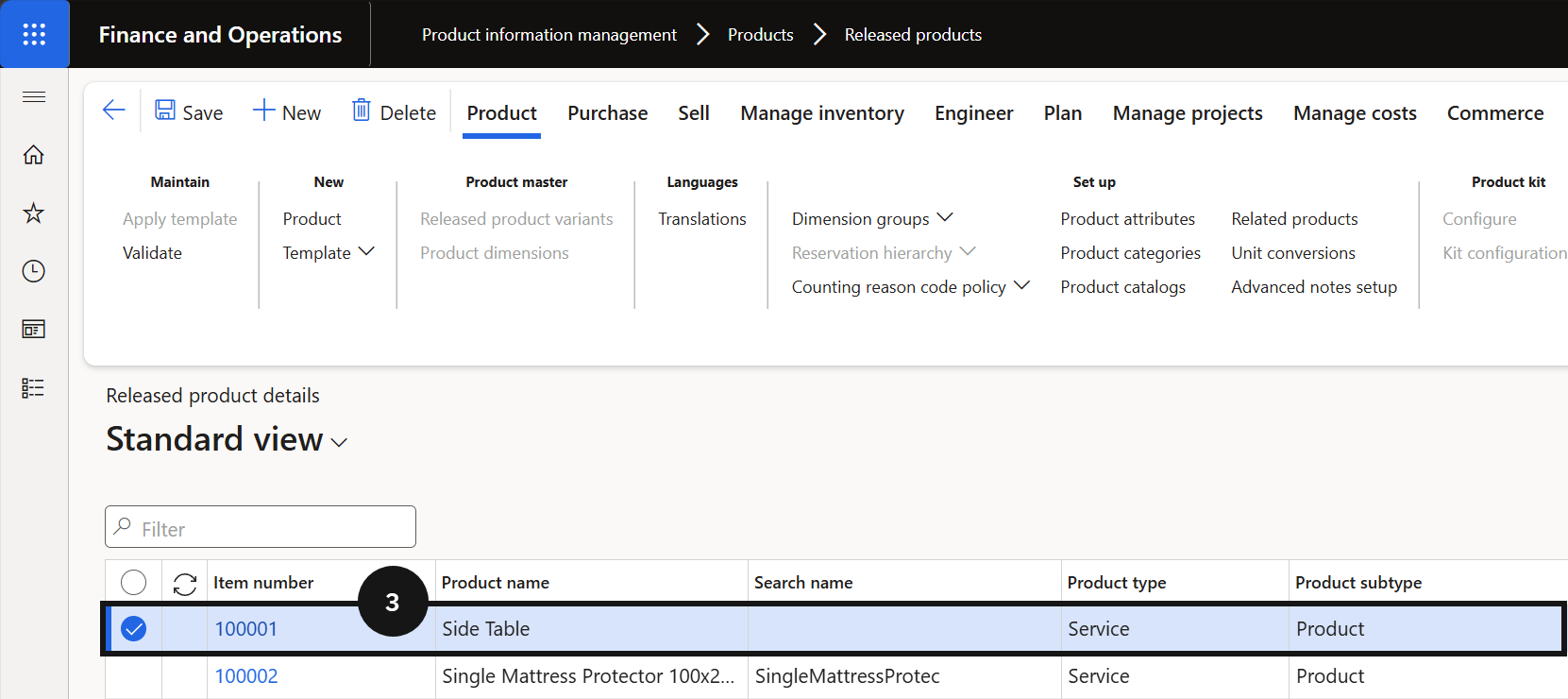
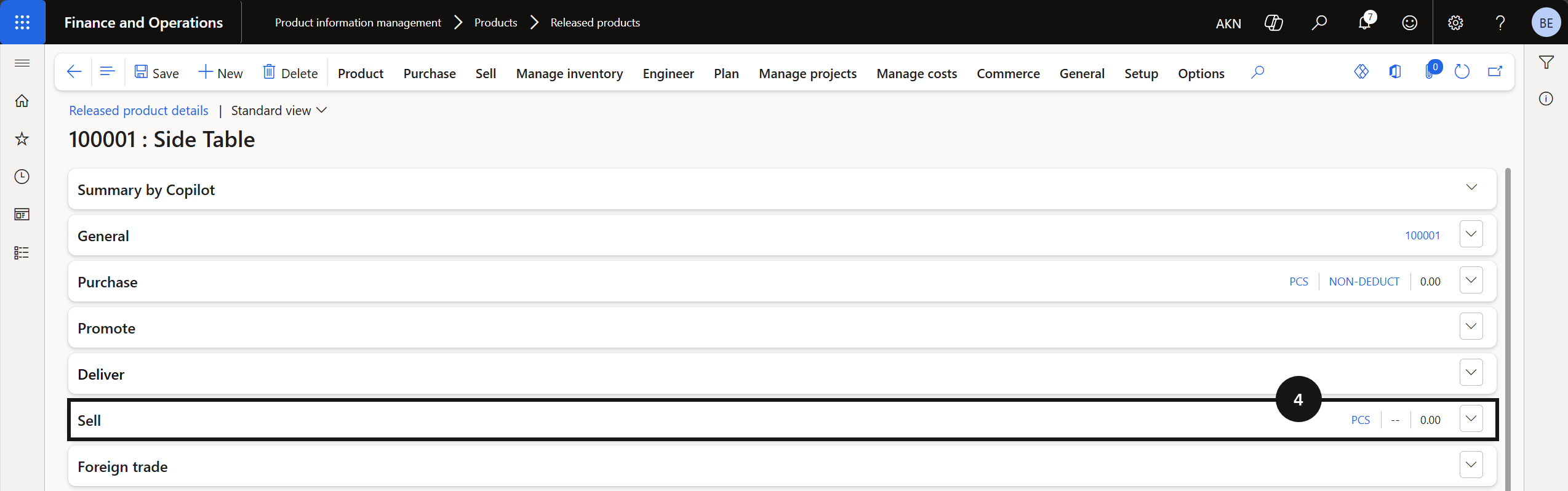
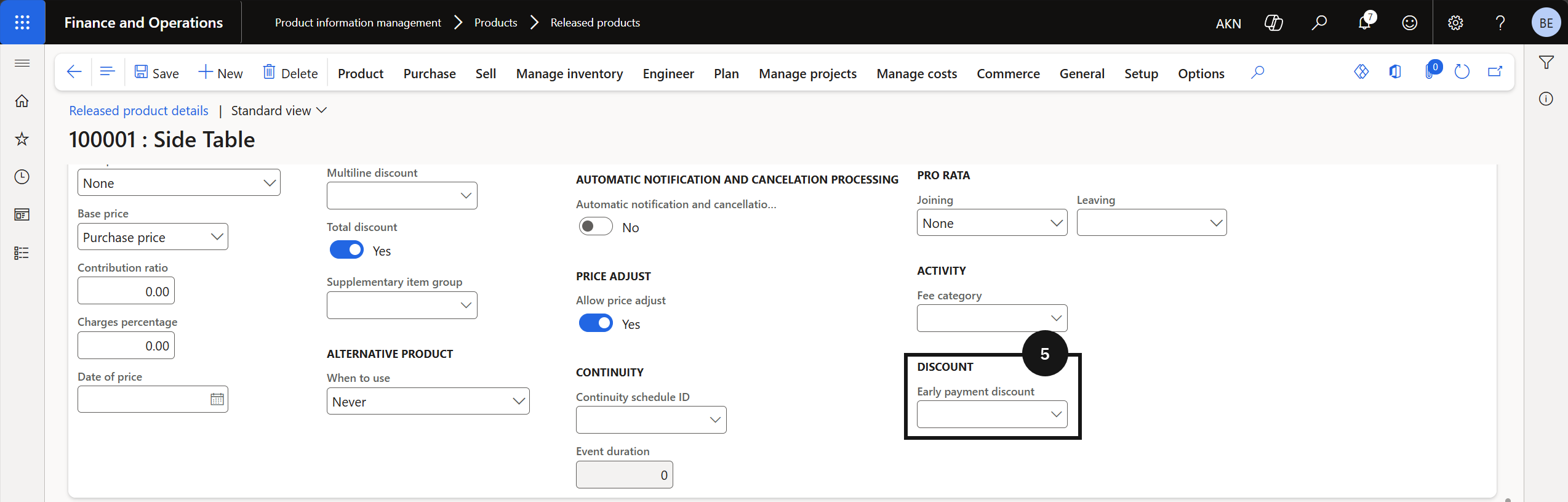
From the FNO dashboard, open Modules ▸ Product information management, expand Products, and click Released products. Select a relevant fee item (e.g., tuition, music lesson, sport class) (③). Expand the Sell section (④) and assign the relevant discount code using the Early payment discount dropdown (⑤).
Save
Click Save.