Review the Sales Order Adjustment
Quick answer
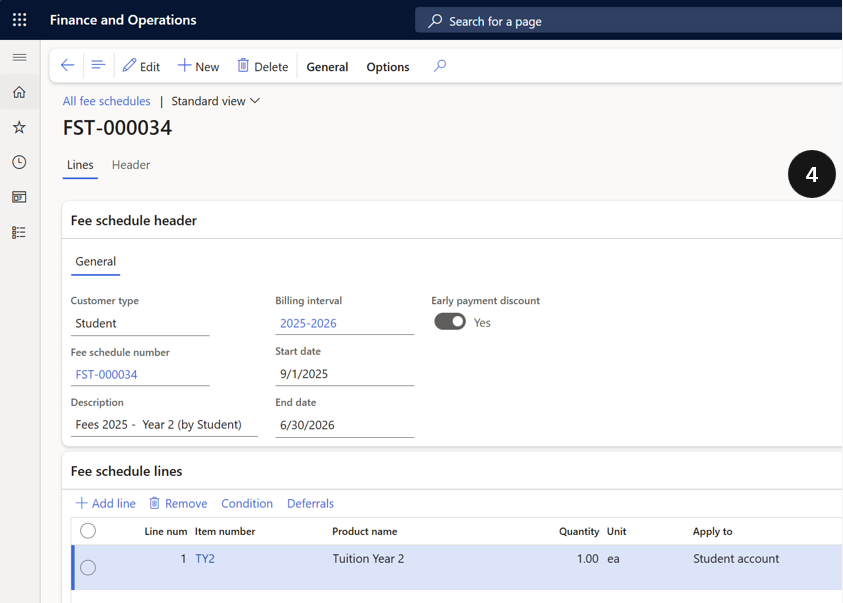
- Open the newly generated sales order from All fee schedule batches, review the negative Quantity (remaining school days to refund) and the Net amount (total refund due).
After running the Calculate fee and charge adjustment task, review the resulting adjustment sales order to confirm the correct refund amount before processing.
Open the adjustment sales order
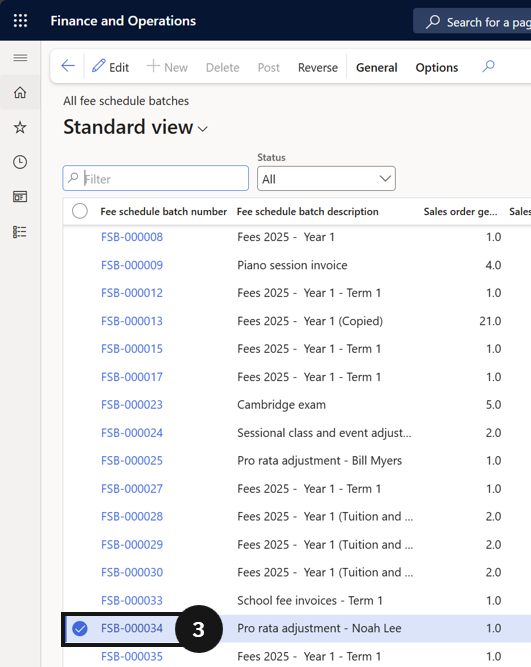
From the FNO dashboard, open Modules ▸ Academic Management, expand Fee schedule batches, and click All fee schedule batches. Locate and open the newly generated sales order for the student.
Verify the adjustment amounts
Review the adjustment:
- Quantity — shows a negative value representing the number of remaining school days to be refunded.
- Net amount — displays the total refund due to the student.