Submit a transport request
Quick answer
- From ESS, click Full profile on the right.
- Select the dependent; then the Transport concession button activates.
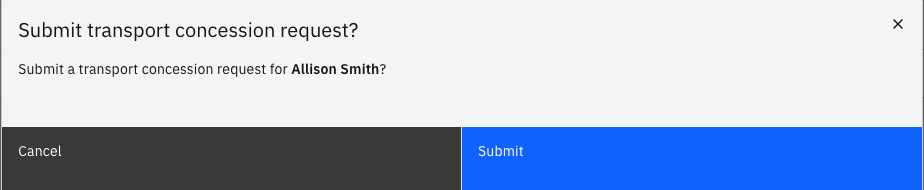
- Click Submit on the popup prompt.
The Transport request lets eligible employees request transport for a dependent child. Unlike standard HR requests, the transport request runs as an integration with the external Phoenix system, which validates student details before processing.
Open your Full Profile
On the ESS homepage, to the right of your profile header tile, click Full profile.
Select the dependent
Open the personal contacts tab. Select your dependents from the list by clicking the radio button beside their name. This will activate the Transport concession link above the table. Click the link.

Click submit
A popup prompt will appear on the screen asking to confirm that you want to submit a transport concession request. Click Submit.