Update your profile image
Quick answer
- From your Full Profile, click Change profile image.
- Choose a file from your device and click Open.
- Your image is sent for approval and shows as pending until reviewed.
Open your Full Profile
From the ESS home page, navigate to your Full profile → on the right side of your profile tile.
Open the image upload
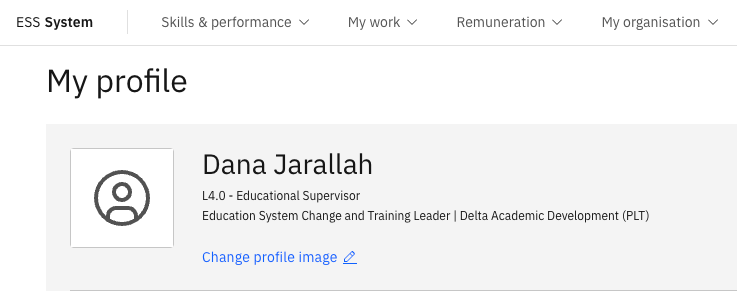
Click Change profile image.
Choose your photo
Select an image from your device and click Open.
Your image submission is routed through an approval workflow. A notification confirms receipt, and it will remain pending until it is approved by HR or your line manager.