Manage your address
Quick answer
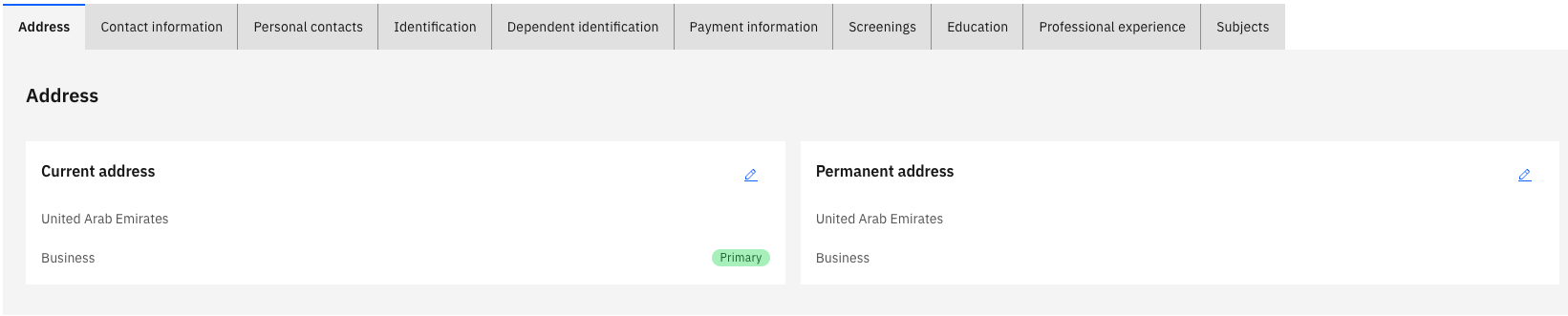
- Go to Full Profile ▸ Address tab.
- Click Add New Address to add, or the pencil icon to edit.
- Mark one address as Primary Residence and click Submit.
Your profile must always have at least one address marked as your primary residence. Address changes are applied immediately without an approval workflow.
Open the Address tab
From your Full Profile, click the Address tab.
Add a new address
Click the relevant address tile and complete the fields: description, purpose, street, city, and country.
Set a primary address
Select an address and enable the Primary Residence toggle to mark it as primary. The primary address pins to the top of the list.
Edit an existing address
Click the pencil icon on any address to update its details.
Submit your changes
Click Submit to save.
Note: You cannot delete your primary address. Assign another address as primary first, then delete the original.
Delete a non-primary address
Select the address you want to remove and click Delete, then confirm by clicking Submit.