Manage your contact information
Quick answer
- Go to Full Profile ▸ Contact Information tab.
- Click Add New Contact and fill in the type, number, and purpose.
- Mark one contact as primary and click Submit.
The Contact Information tab lets you manage your phone numbers, email addresses, and other contact details. Changes are applied immediately without an approval workflow.
Open the Contact Information tab
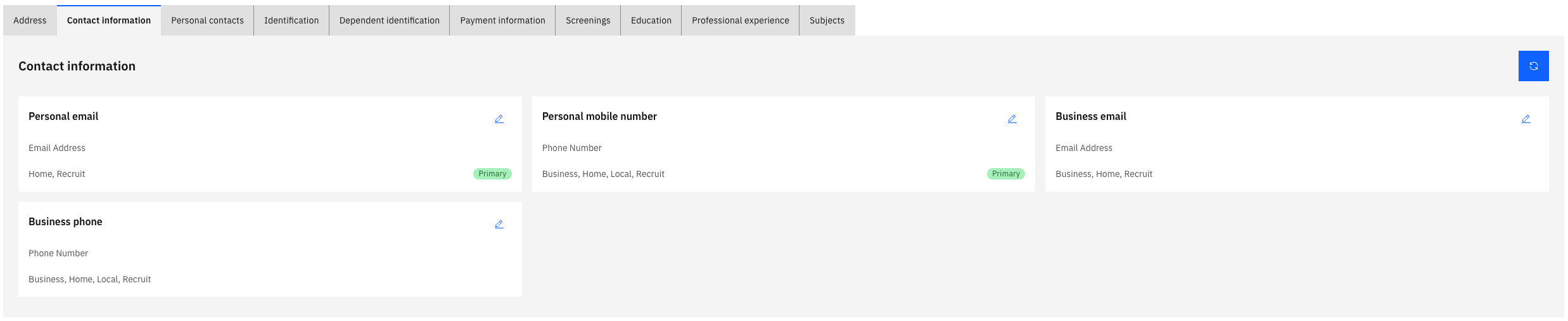
From your Full Profile, click the Contact Information tab.
Add a new contact record
Click the relevant contact tile and complete the fields:
- Contact type — for example, phone or email; these are pre-assigned to the tiles
- Number or address — the phone number or email address
- Purpose — for example, home or local
- Primary — there are tiles with the primary tag in place; the address or number in these fields is the primary contact detail
Edit an existing contact
Click the pencil icon on a contact record to update its details.
Submit
Click Submit to save. A confirmation prompt may appear — click Yes to proceed.