Manage your certifications
Quick answer
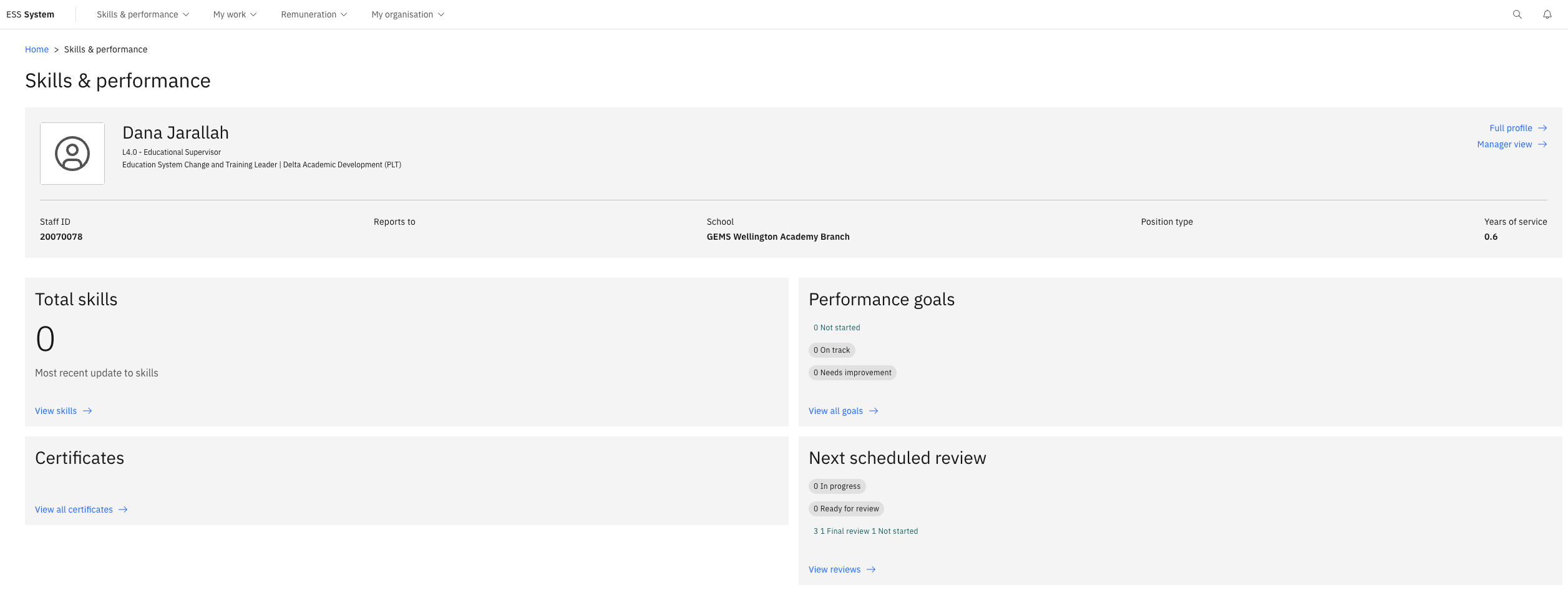
- From the Skills & performance tile, click View All Certificates.
- Review the status of each certificate — Valid, Expiring, Expired, or Invalid.
- Click Add new certificate, complete the details, upload the file, and click Submit.
The certifications section tracks your professional and compliance certificates, monitors expiry dates, and surfaces alerts when renewal is needed.
Open your certificates
From the ESS home page, locate the Skills & performance tile and click View All Certificates.
Review certificate statuses
Each certificate shows one of the following statuses:
Status Meaning Valid Current — no action needed Expiring Approaching expiry — action recommended Expired Past expiry date — renewal required Invalid Marked as no longer valid You will also receive expiry notifications through the notification bell on the ESS home screen.
Add a new certificate
Click Add new certificate +.
Complete the details
Select the Certificate type, enter the relevant dates and details.
Upload the document
Click Choose file to attach a copy of the certificate.
Submit
Click Submit to save the record.