Add professional experience
Quick answer
- Go to Full Profile ▸ Professional experience tab and click Add new experience.
- Enter the Employer/referee's details.
- Click Submit — the record is sent for approval.
Previous experience records are submitted through ESS and go through the approval workflow before being confirmed on your profile.
Open the Professional experience tab
From your Full Profile, click the Professional experience tab.
Add a new experience
Click Add new experience +.
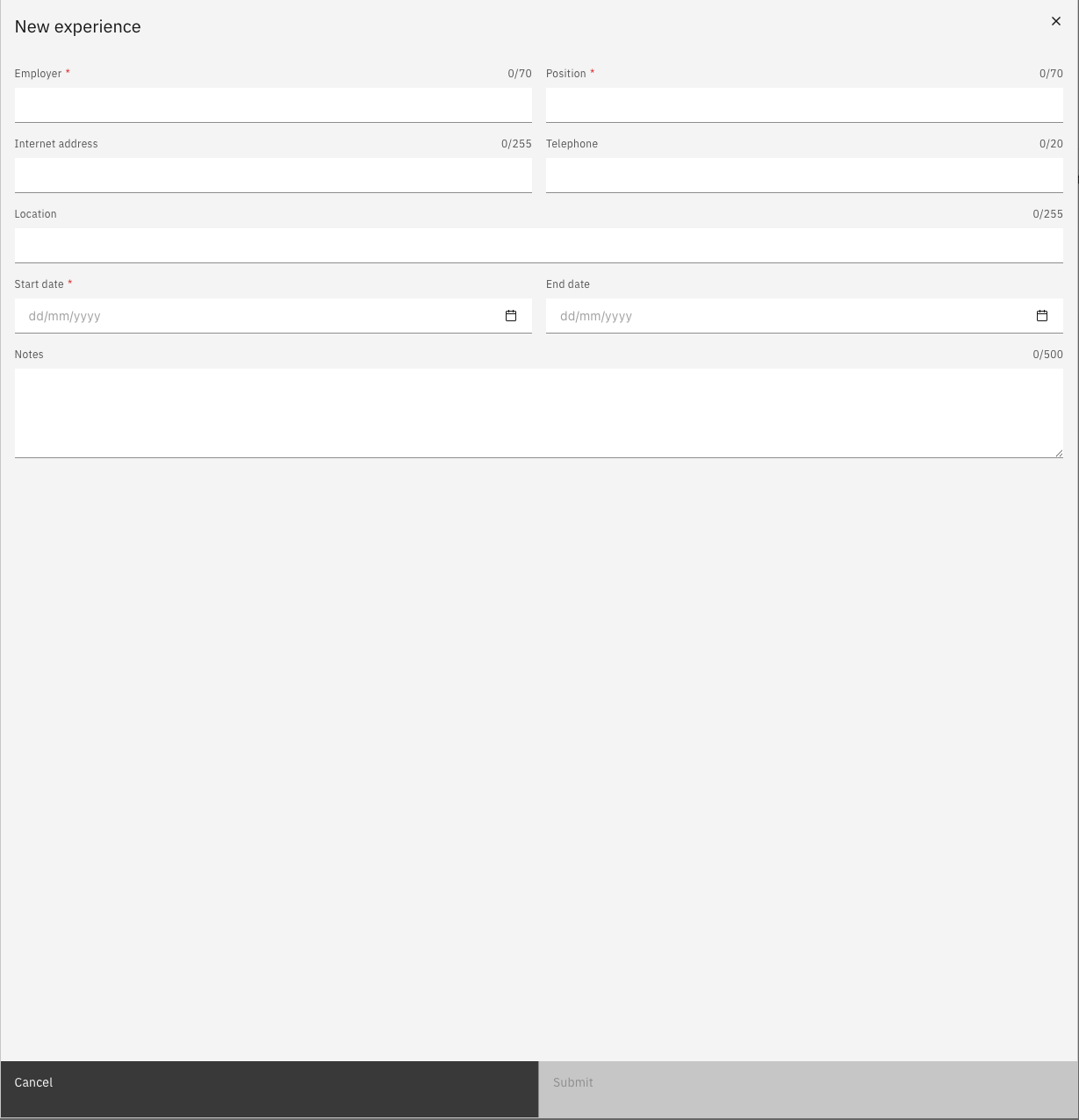
Enter the Employer's details
Fill in the required fields: Employer's name, your position, and the company's contact details.
Submit for approval
Click Submit to send the reference for review.