Add a personal contact or dependent
Quick answer
- Go to Full Profile ▸ Personal contacts tab and click Add new personal contact +.
- Fill in the sub-tabs: Basic Details, Dependent Details, Address, Contact Information, Identification.
- Click Save when complete.
The Personal contacts tab lets you record family members, emergency contacts, dependents, and beneficiaries. This information is used for processes such as tuition fee and transport concession eligibility — marking a child as a full-time student is required for those requests.
Open the Personal contacts tab
From your Full Profile, click the Personal contacts tab.
Add a new contact
Click Add new personal contact +.
Complete Basic Details
Fill in the contact's name and relationship type. Toggle on Emergency contact or Beneficiary flags as appropriate. If the contact is a beneficiary, enter the date range and indicate whether they are the primary beneficiary.
Three buttons are available at the bottom of each sub-tab:
- Save — saves and stays on this sub-tab
- Next — saves and moves to the next sub-tab
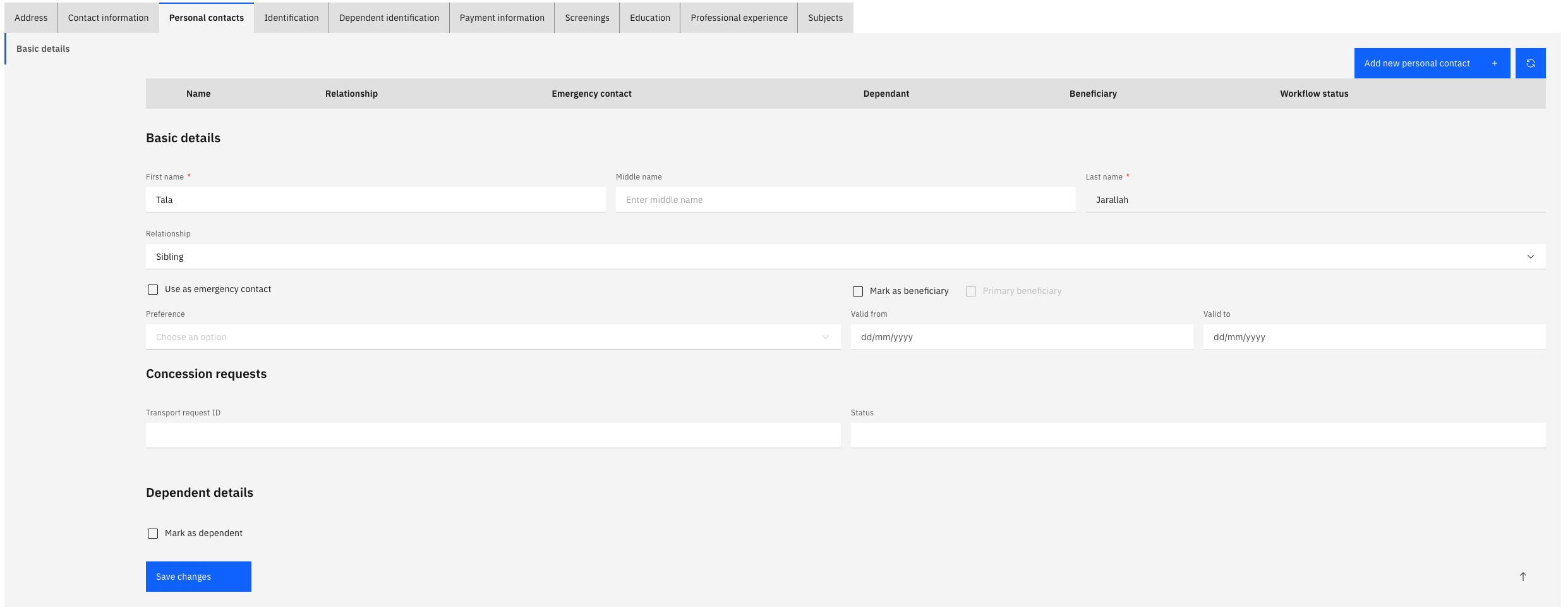
Complete the remaining sub-tabs
Work through the following tabs, filling in what is relevant:
Sub-tab What to record Dependent Details Gender, date of birth, student status, disability, order eligibility. Set Full-Time Student if applicable — this is required for tuition fee and transport requests Dependent Address Address details for the dependent Dependent Contact Information Phone numbers and email for the dependent Save
Click Save when you have completed all relevant tabs.