Submit your end of year review
Quick answer
- In ESS, go to Skills and performance and open your end-of-year review.
- Your goal setting and mid-year comments are carried forward — add your end-of-year comments and final self-ratings.
- Submit the review. It goes to your manager, who completes it and submits it for calibration.
The end-of-year review closes your performance year. Everything from goal setting and the mid-year review is carried forward, so you are making your final assessment against goals you have been tracking all year.
Note: If you missed an earlier review this year, you can still complete your end-of-year review. The system won't block it if you didn't submit goal setting or the mid-year review.
Open your review
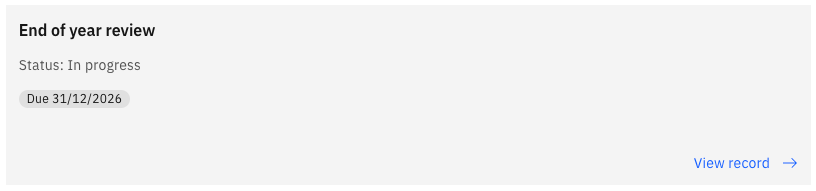
In ESS, go to Skills and performance and open your end-of-year review.
Your goal-setting and mid-year review comments appear next to each goal, along with your manager's, so you can see the full year in one place.
Complete each goal
For each goal, add your end-of-year comments, set your final rating, and mark the goal's status—for example, Complete when it has been achieved.
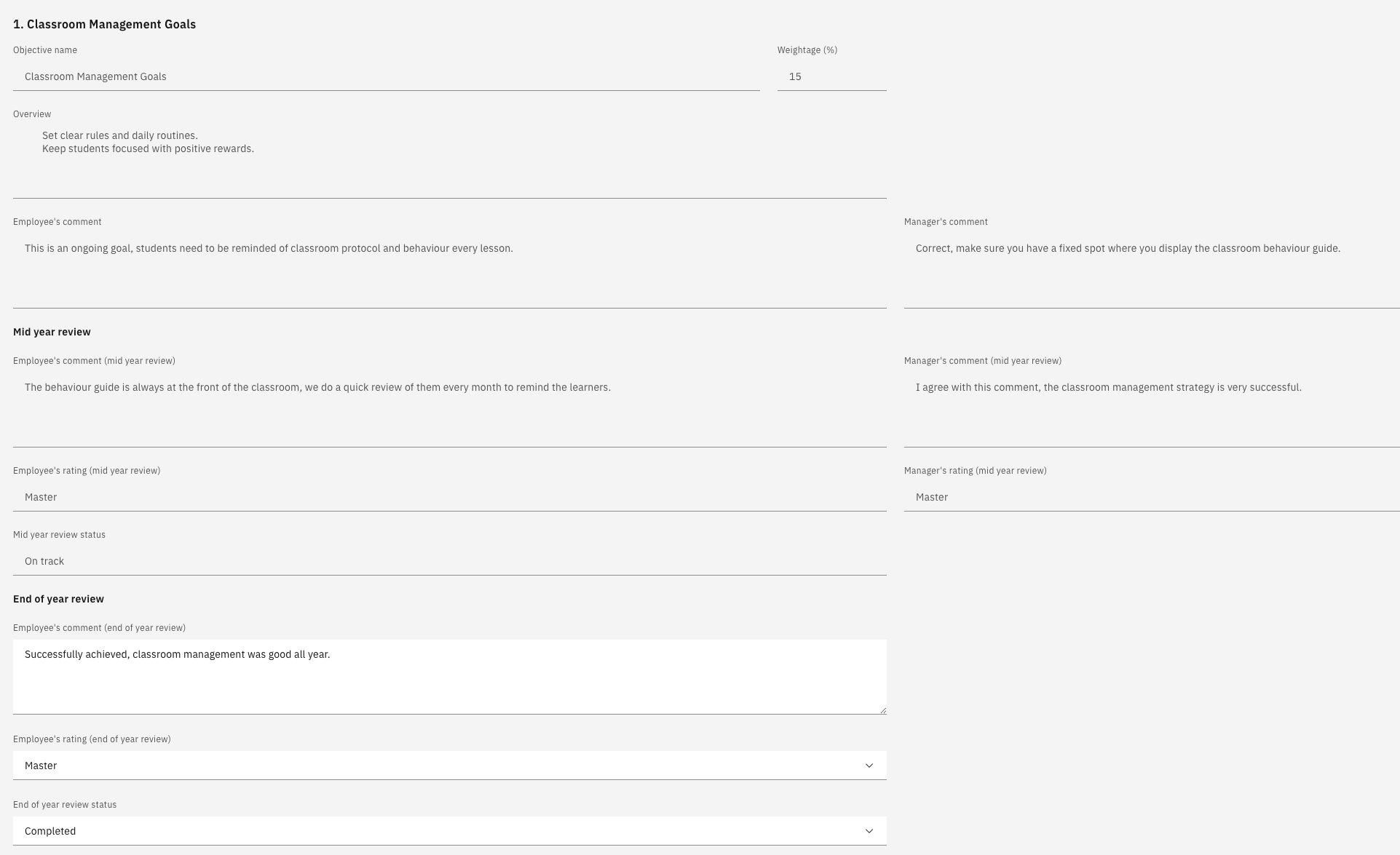
Click Next to move through your goals.
Review career aspirations and training needs
Your career aspirations and training needs are shown as they stand. Review them and make any final updates.
Check the timeline
The timeline at the top of the review shows where you are in the year, with goal setting and the mid-year review marked complete.
Submit the review
Click Submit. Your end-of-year review is marked as submitted, and the review moves to your manager, shown as manager review pending.

Wait for your calibrated rating
Your manager completes their feedback, gives an overall rating, and submits your review for calibration. Your final rating is confirmed through that process and published back to you — see View your calibrated rating.