Review your team's mid year reviews
Quick answer
- In ESS, open your manager view and open the mid-year review waiting for your feedback.
- Add your comments and give your own rating against each goal — you can agree with the employee's rating or set a different one.
- Click Submit to complete the mid-year stage for that employee.
At mid-year, you give your own rating alongside your comments. You can see what the employee has rated themselves and either match it or set a different rating where your view differs.
Open the review
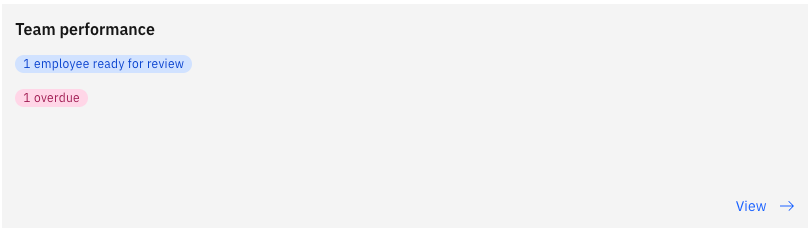
In ESS, go to your manager view and open your team's performance reviews. The mid-year review shows as Ready for review with its due date. Click View.
You see the employee's profile information, their objective percentages, and your own comments from the goal-setting stage.
Comment on each goal
Add your mid-year comments against each goal. The employee's comments and everything from goal setting stay visible, so your feedback sits in the context of the full conversation.
Give your rating
Select your rating against each goal. Where you agree with the employee's self-rating, set the same value. If you disagree, enter the rating you think is right— for example, if they rated themselves proficient but you believe they are at a beginner level, record beginner.
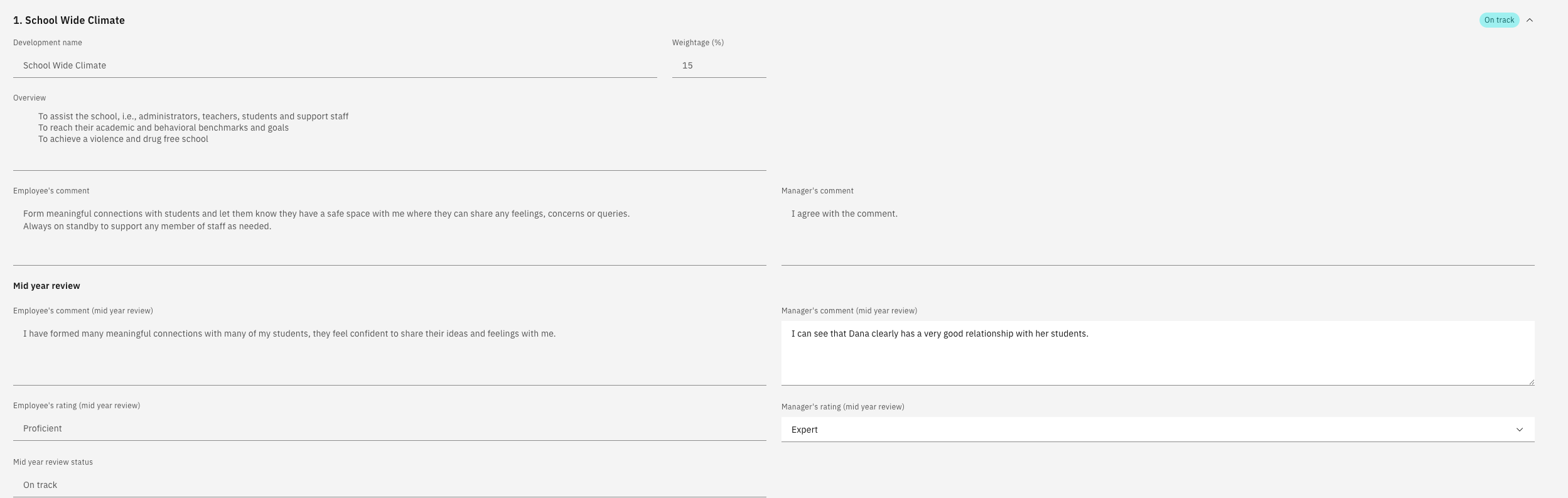
Click Next to move through the goals. Your review covers objectives, competencies, and any PIP or PDP goals.
PIP and PDP goals do not carry a weighting in the scoring. They are released ad hoc to support an employee's development, so they sit outside the weighted calculation.
Review career aspirations and training needs
You see where the employee wants to grow and the mobility options they have selected. You also see their training needs, including any training they have marked as completed. Add your comments.
Submit the review
Click Submit. This completes the mid-year stage for that employee and removes the review from your list.
If the list still shows the review as processing, refresh after a moment — the workflow takes a short time to complete.
The end-of-year review follows the same pattern but adds an overall rating and the submission to calibration — see Review your team's end-of-year reviews.