Understand how calendar changes affect your leave
Quick answer
- When a public holiday is announced on a day you had booked off, the system cancels that day and returns it to your balance.
- When a holiday is moved off a day inside your leave, the system adds that day to your leave.
- These adjustments are made automatically and approved without you or your manager doing anything.
Public holidays are sometimes announced or moved after you have already booked leave. When that happens, the system adjusts your existing requests — you do not need to cancel and rebook, and the adjustments do not need approval.
Recognise a system-generated adjustment
Any change the system makes is raised as its own request, flagged as system-generated. These are approved automatically, so they move straight to completed rather than sitting with your manager.
A holiday is announced on a day you had approved leave
The day is cancelled from your leave and returned to your balance. For example, if you had one day of annual leave approved on 4 September and that date is then announced as a public holiday, the system cancels that day, and your balance goes back up.
A holiday is announced during leave you have in review
The system removes the day from the request and reduces the day count. A five-day request covering 24 to 28 August becomes a four-day request if 26 August is announced as a holiday. The request stays in review with your approver and keeps its original submission date.
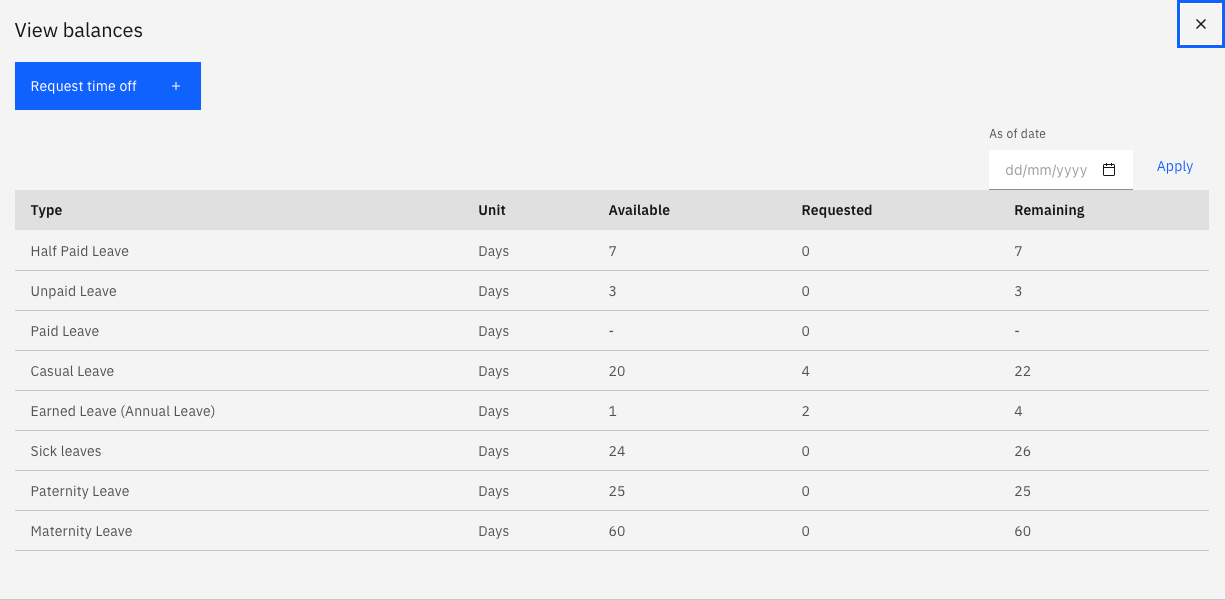
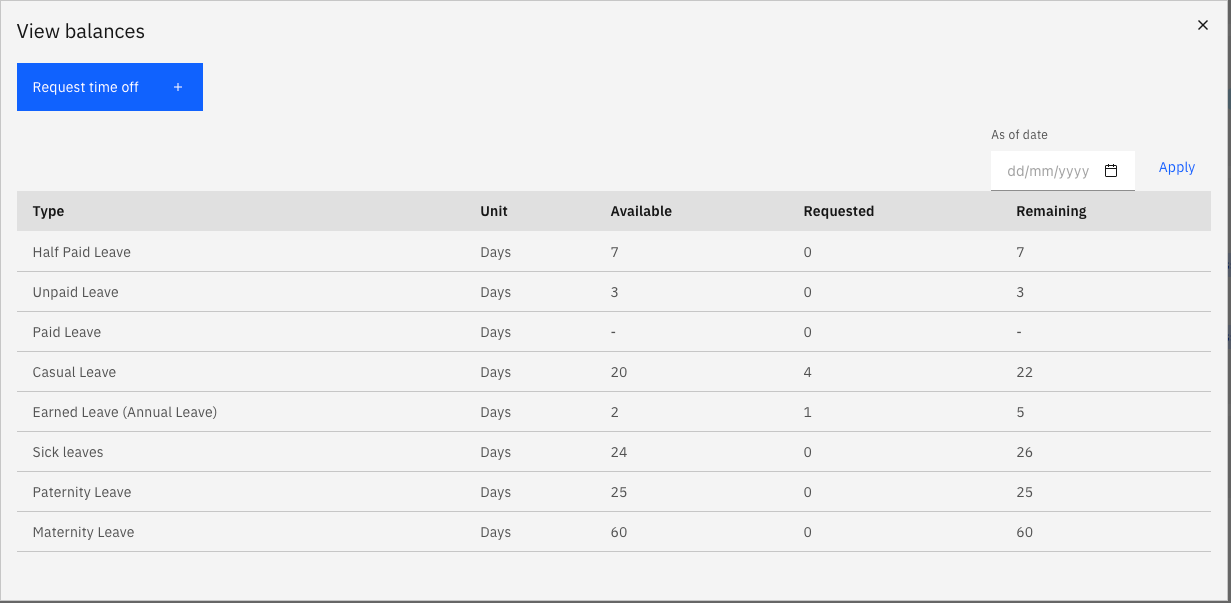
A holiday is moved off a day inside your leave
The reverse also happens. If a day during your leave was a public holiday and that holiday is moved elsewhere, the day becomes a working day — so the system submits leave for it automatically and approves it, keeping your leave continuous. Your balance is updated to reflect the extra day.
This applies whether your original request was already approved or still in review.
Check your balance after a change
Your leave balance reflects the adjustment once the system-generated request is complete. If your balance or a request doesn't look right after a holiday announcement, contact your HR team — they can see the full history against the request.