View your benefit plan details
Quick answer
- From the ESS portal, navigate to the Rewards & Benefits section and open the Benefits tab.
- Review your enrolled benefit plans, entitlement amounts, and gratuity.
The Benefits tab in ESS shows the individual benefit plans you are enrolled in and the entitlement values associated with each. This is a read-only view; your benefit plans are set up and maintained by the HR team.
Open the Benefits section
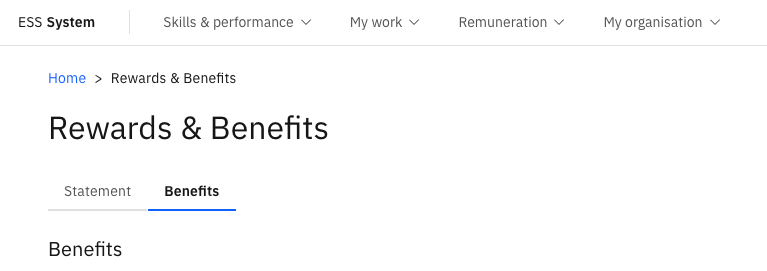
From the ESS portal, navigate to the Rewards & Benefits section.
Open the Benefits tab
Select the Benefits tab within the section.
Review your benefit plan details
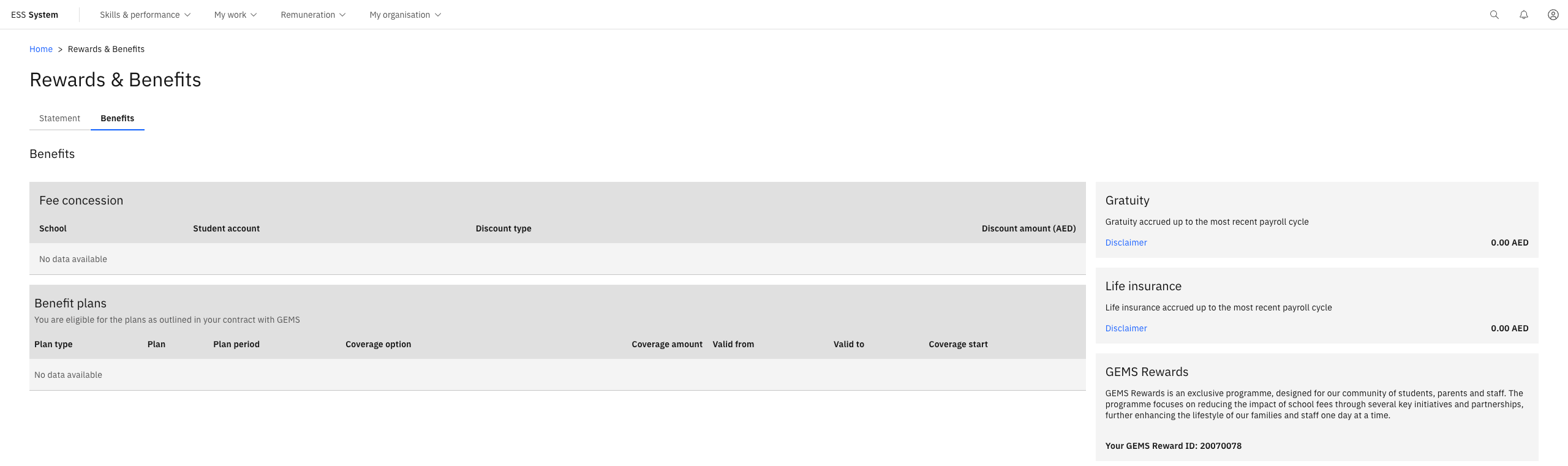
The tab displays:
- The benefit plans you are enrolled in — for example, medical insurance, transport, accommodation, and life insurance
- The entitlement amount associated with each plan
- Gratuity — the value calculated from your payroll disbursement record
If you have questions about your benefit plans or believe something is incorrect, contact your HR team directly.