Set up an approval delegation
Quick answer
- From the ESS portal, navigate to Approval delegations.
- Click Add delegation, enter the delegate's name, set the date range, and choose the scope.
- Check Enable delegation and click Submit.
Delegations let you hand your approval responsibilities to a colleague while you are away — for example, during annual leave. This ensures requests continue to be processed without interruption.
Open Approval delegations
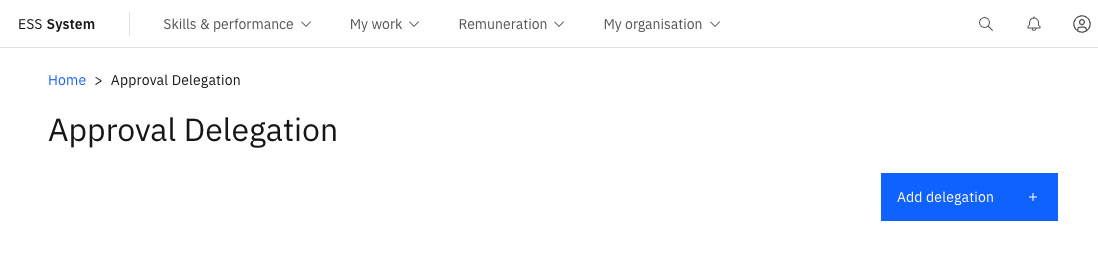
From the ESS portal, navigate to Approval delegations.
Add a new delegation
Click Add delegation.
Select the delegate
Enter the name of the delegate — the person who will act on your behalf while the delegation is active.
Set the date range
Enter a Start date and End date for the delegation period.
Set the scope
Select the scope of the delegation — for example, all approvals or specific workflow types only.
Enable and submit
Check Enable delegation to activate it, then click Submit.
The delegation expires automatically at the end date you specified. Offboarding checklist tasks also respect active delegations — if the primary task holder has a delegation in place, the delegated person receives the task automatically.